EN 119
11:38
1
Secondary mode
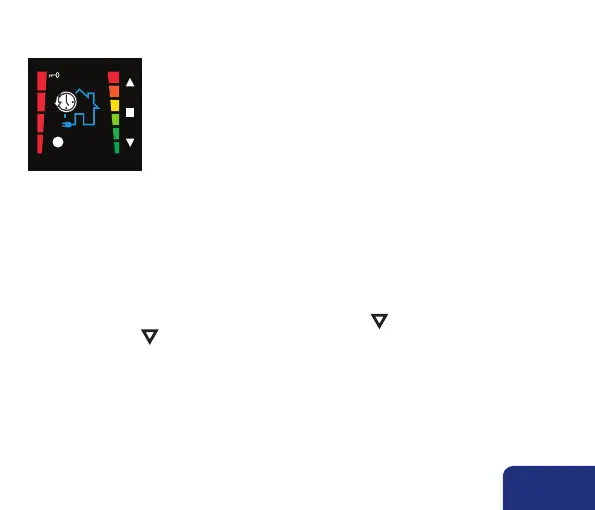
Boost mode
During the Boost mode there is ventilated at maximum capacity.
7.1.2 • Activating secondary modes
From each main mode, you can switch to the secondary mode.
• You can place the system in boost mode by pressing long ▼.
• By pressing long ▼ again, the Boost mode is interrupted and will be returned to the main
program item.
Note:
• The manual secondary mode has priority on the already configured program points.



 To Next Page