EN
13 4
9 • Setting the CO
2
Threshold
The Threshold value for the CO
2
controlled extraction can be set by accessing the INSTALLER
MENU – CO
2
THRESHOLD (only accessible when a CO
2
sensor is integrated in the
TouchDisplay). The cook valve will react when this threshold value is reached.
➌
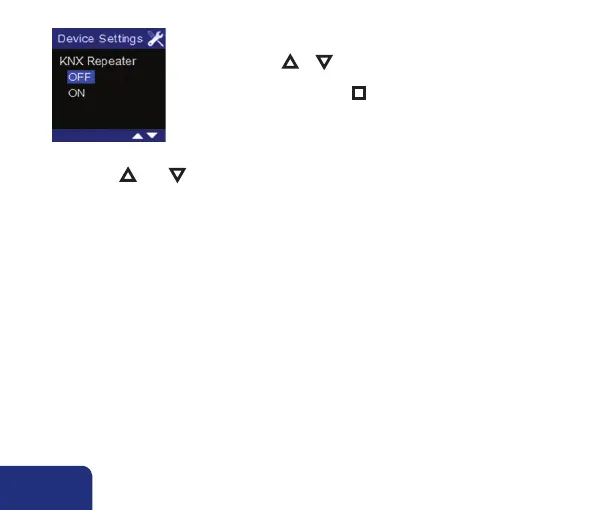
• By pressing ▲ or ▼ you can choose to configure the
TouchDisplay as repeater (KNX Repeater: ON). Confirm
your choice by pressing n . You will return to the INSTALLER
MENU – DEVICE SETTINGS.
• Shortly press ▲ AND ▼ in order to leave the INSTALLER MENU – DEVICE SETTINGS.



 To Next Page