EN
126
7.3.2 • Day and time settings
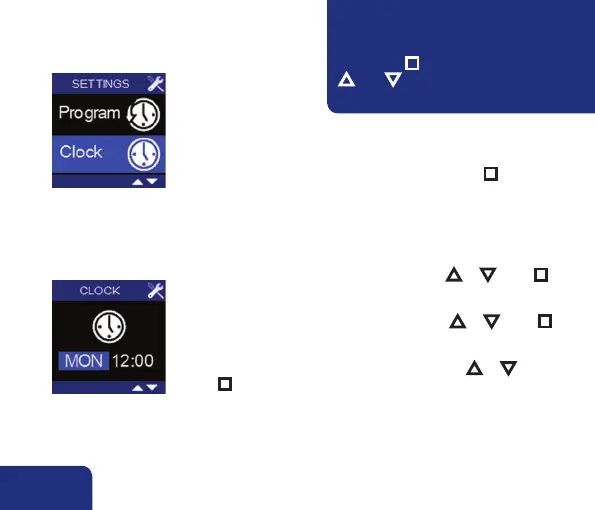
• The current day and time can be programmed by accessing
USER MENU – CLOCK.
• Select USER MENU – CLOCK and shortly press n ).
➊
• The day indication lights up.
The relevant day can be set by pressing ▲ or ▼. Press n to
confirm.
• The hour indication lights up.
The relevant hour can be set by pressing ▲ or ▼. Press n
to confirm.
• The minutes indication lights up.
The relevant minutes can be set by pressing ▲ or ▼. Press
n to confirm. The set time is saved and the USER-MENU –
CLOCK is left.
➋
Any changes made are not saved when
leaving the USER MENU – CLOCK early
(by pressing n for a long time or pressing
▲ AND ▼).You will return to the USER
MENU.
!



 To Next Page