EN
114
6 • Linking the TouchDisplay with the ventilator unit
Before the TouchDisplay can be used it needs to be individually linked to
the ventilator unit. The control is ready for use once the link is established.
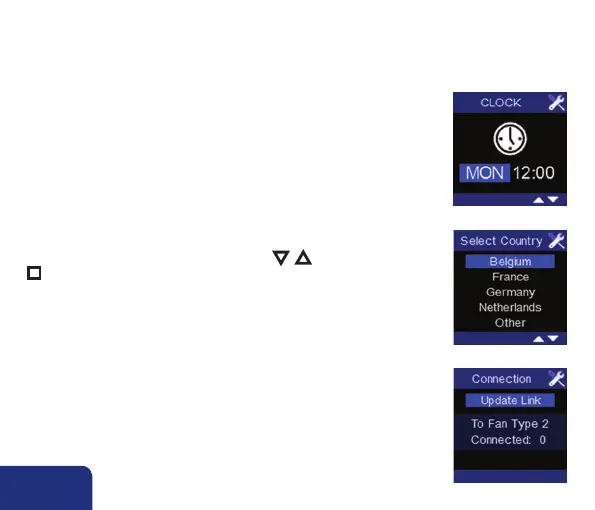
A screen with day and clock settings appears once the TouchDisplay is
connected to the mains. (see step 2 in section 7.3.2)
The screen “select country” appears. Choose the country for which the
factory settings will be loaded by using the ▼, ▲ keys and confirm with
n (for other countries, choose Belgium. Selecting a coutry is not related to
the language settings see step 9 in section 7.3.3)
The screen “Fan connection” appears and “Update Link” lights up. Now it
is time to make the connection with the ventilator unit.
The linking needs to happen from up close. We advise to link the Touch-
Display and the ventilator unit in the same room at a distance of more
than 3m.



 To Next Page