MIRACO Quick Start Guide
10
C
2023 REVOPOINT 3D ALL RIGHTS RESERVED
Skills
Step 2: Tap [Software Update] to check if a new version is available. If yes, tap [Download and Install] to
update it.
Step 3: The update will install automatically. After the update, MIRACO will restart.
Procedure:
[Settings] > [WLAN] > Connect to a network > [Software Update] > [Download and Install] > MIRACO
restarts
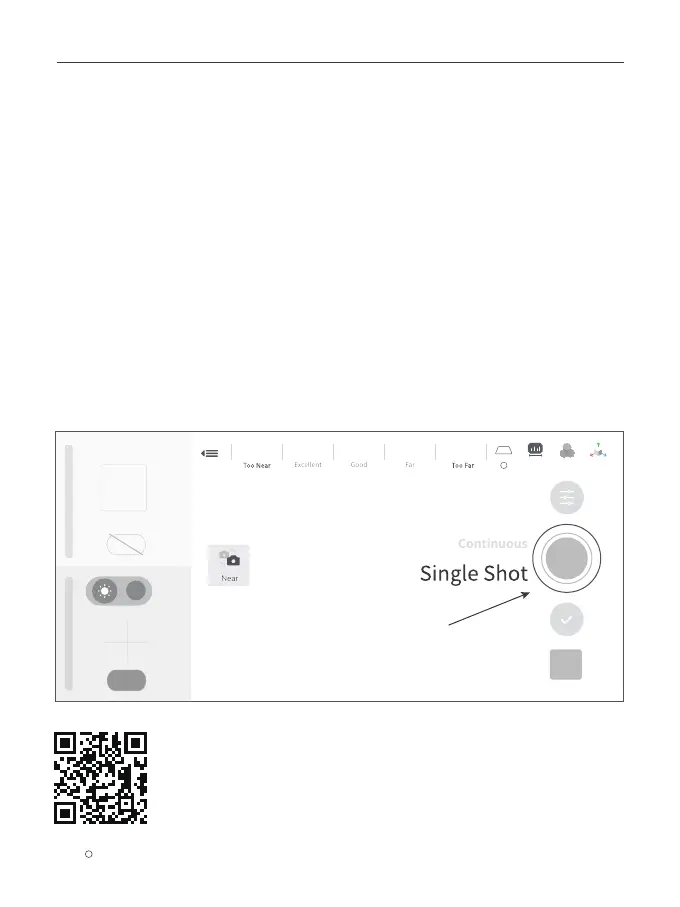
Step 1: Tap [Single Shot] to switch to it.
Step 2: Adjust exposure and other scan parameters.
Step 3: Tap the capture button to record a single frame.
Using Single Shot Mode
Model
Auto
Auto
WB
Scan the QR code for a Single-shot Video.
1
?



 To Next Page