MIRACO Quick Start Guide
C
2023 REVOPOINT 3D ALL RIGHTS RESERVED
08
Model Edit
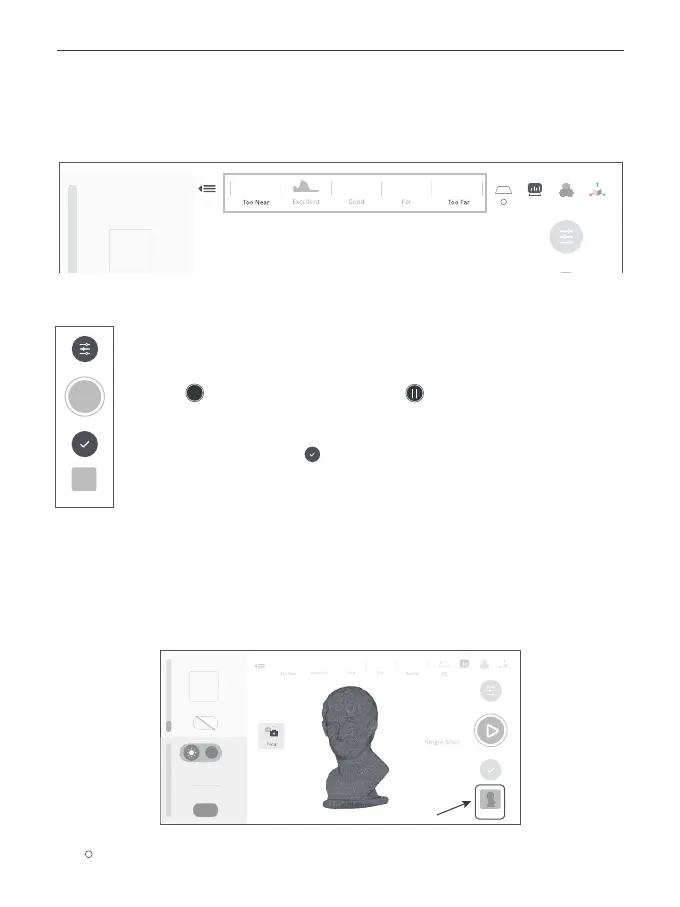
Step 1: After completing the scan, tap the [Model] icon to edit it.
4) Scan Distance Adjustment
Move MIRACO to adjust the distance between the scanner and the target object, ensuring the
scanning distance indicator bar displays green.
Step 5: Start scanning.
Tap the button to Start, and tap it again to pause your scan as needed.
Step 6: Complete scanning.
Tap the [Complete] button to finish the scan when all data is captured.
?
Model
Continuous
Auto
Auto
WB
1



 To Next Page