➃ RGB Camera’s Exposure Settings
MIRACO Quick Start Guide
C
2023 REVOPOINT 3D ALL RIGHTS RESERVED
11
Scanning objects with simple geometric features, like a football or wine bottle, requires using
Magic Mat, markers, or reference objects and scanning in Marker Alignment.
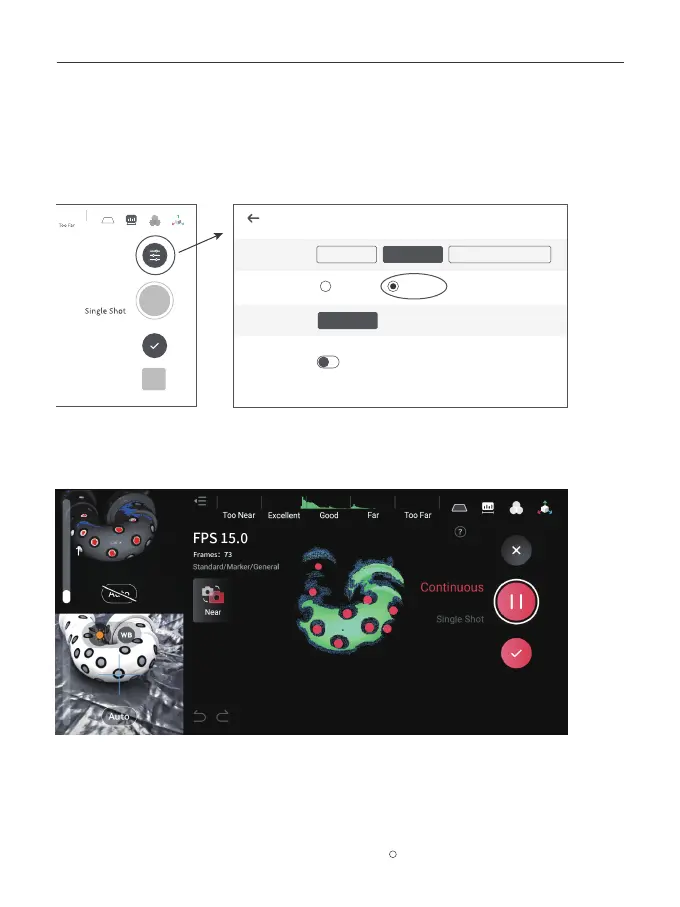
Adjust Scan Settings on MIRACO as below:
1. Place the Markers (or Magic Mat under the object) on or around the objects’ surface irregularly
and ensure there are at least 5 Markers per frame for the entire scan, or the scanner will lose track.
Using Marker Mode
Model
Continuous
Scan Settings
Color
OK
Accuracy
Alignment
Object Type
Standard
General
Feature
Marker
High
High-speed (15 fps)



 To Next Page