Revv Owner’s Manual - 13
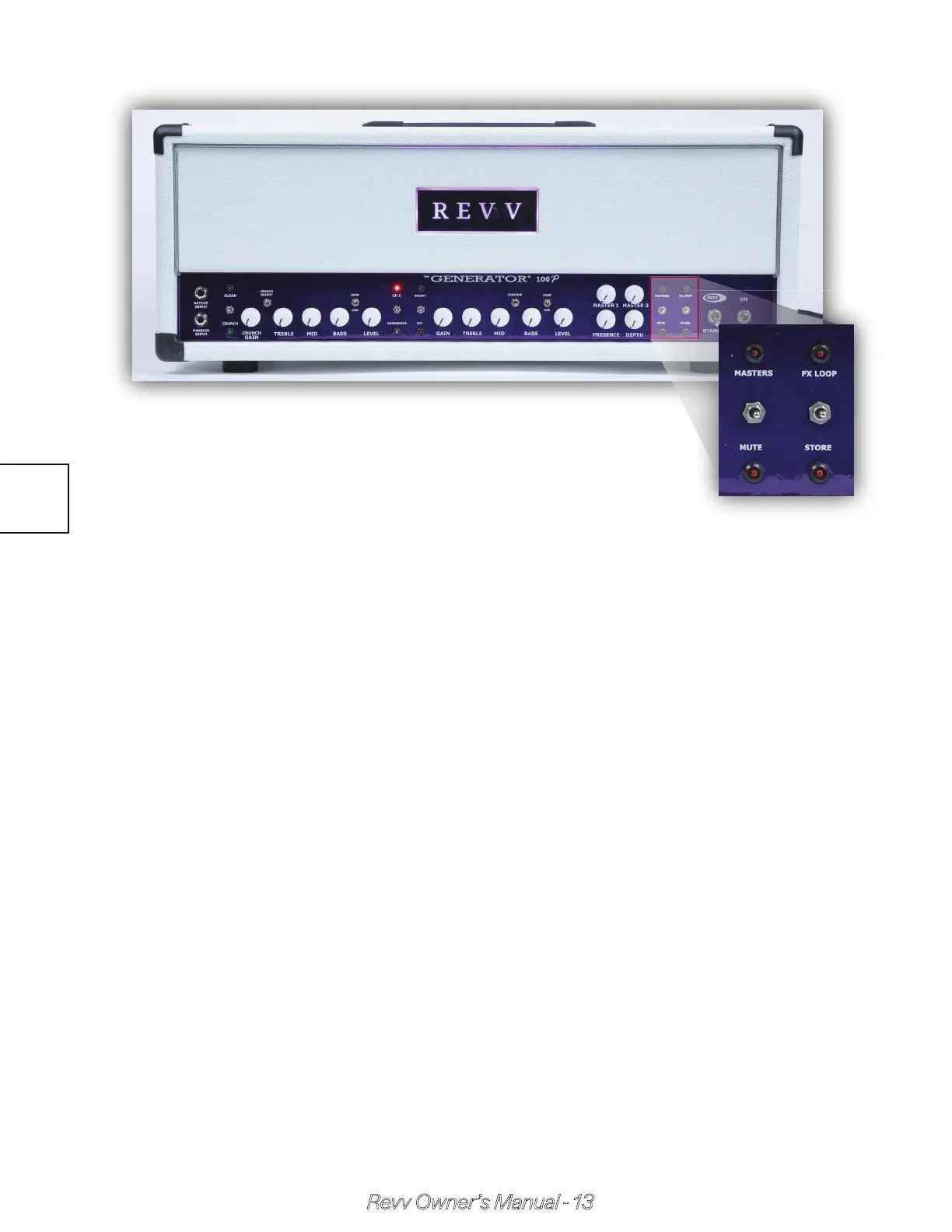
Function Controls
The accessory functions are activated by the momentary toggle switch-
es. These switches are assigned 2 functions each & control the func-
tions when the switch is pushed in the direction of the function’s label.
The LED associated with each function will then reflect the state of the
function.
A - Masters Switch
The master volume toggle switch is a momentary switch that needs to
be pushed up in order to toggle between the 2 master volume controls.
The Red LED is illuminated when master #2 is in use & not illuminated
when master #1 is in use.
B - Mute Switch
Mute totally silences the amp & is useful in many situations as an alterna-
tive to the standby switch.
2.7



 To Next Page