Revv Owner’s Manual - 15
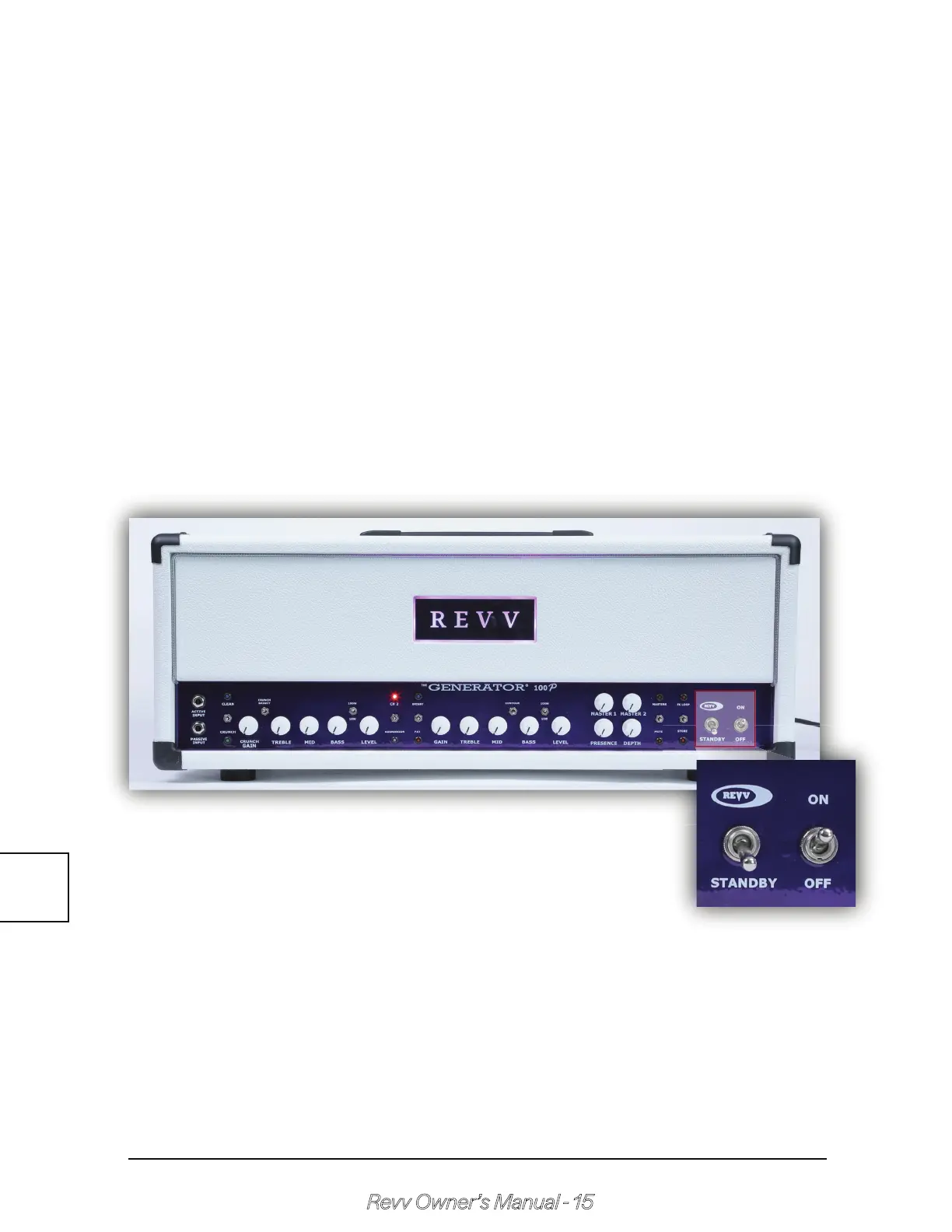
Standby & Power Switch
D - Store Switch
The store switch is used to program MIDI as well as set the MIDI channel.
When the amplifier is powered up, by pressing the store toggle switch
down, the store LED will begin to flash. At this point, the amplifier is waiting
for a MIDI program command to be received. Once received, the current
amplifier configuration will then be saved to memory so that anytime the
program command is received via MIDI; the amp will switch itself to the
saved configuration.
Note: When in store mode, once a MIDI program command is received,
the LED will flash quickly then turn off - signaling the user that a program
command has been received & the amp’s configuration has been stored
to memory.
The power & standby switches give the amp power from the mains, as
well as high voltage through the circuit. First turn on the power switch &
wait one minute to allow the tubes to warm up. Turn on the standby
switch to the Revv position once you are ready to play.
Note: NEVER power up the amplifier without the proper speaker load
connected!
2.8



 To Next Page