Setup Steps:
1. Open the smart driving application and turn on ADAS (advanced driving
assistant system). The button turns from gray to blue.
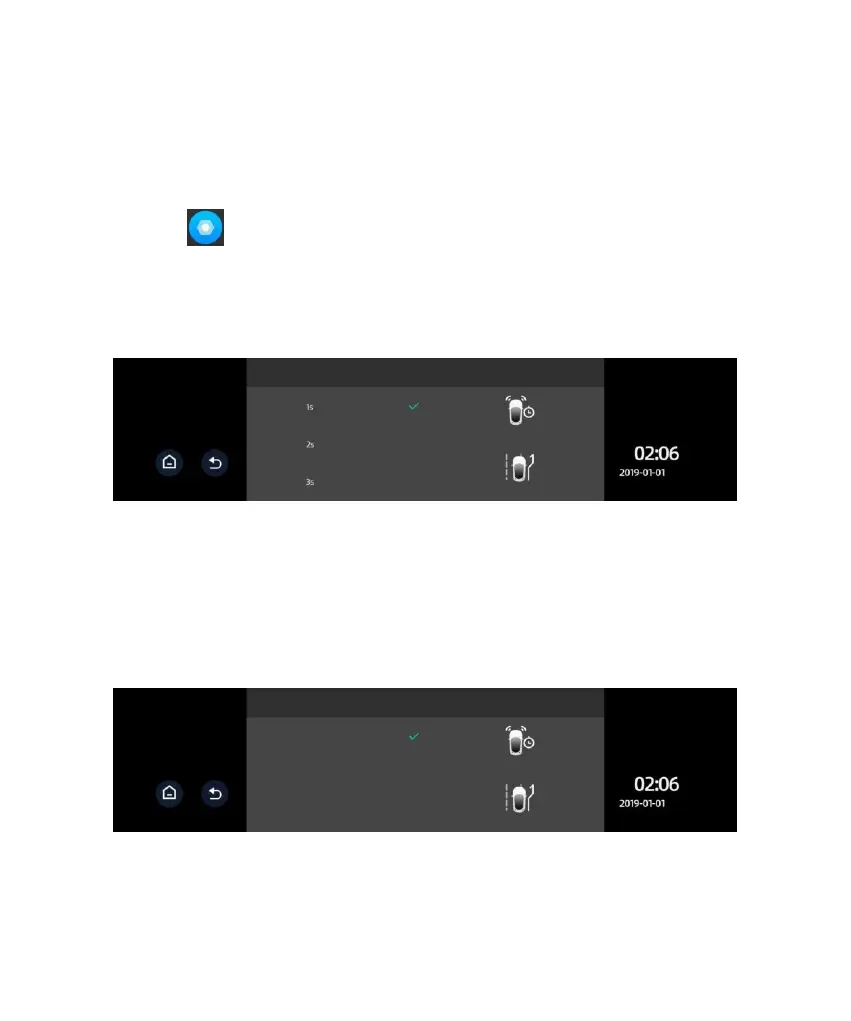
2. Click to access the ADAS setup page. Click the option Front Car
Warning Time and select the appropriate option (a default value may be used).
FCWT refers to the warning time for a potential collision with the car in front.
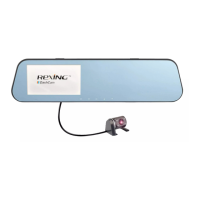
3. Click the option Lane Change Line-Crossing Warning and select the
appropriate option (a default value may be used). LCLCW refers to the
sensitivity of line-crossing warning during a lane change. High, moderate, and
low indicators correspond to lane change line-crossing time 2s/3s/4s,
respectively.



 To Next Page