captured for each second of real time when this function is enabled. However, it
is played back 30 times faster.
Note: When selecting the parking monitoring function, please disable the
time-lapse function, or the parking monitor function will not start.
VII. System Setup
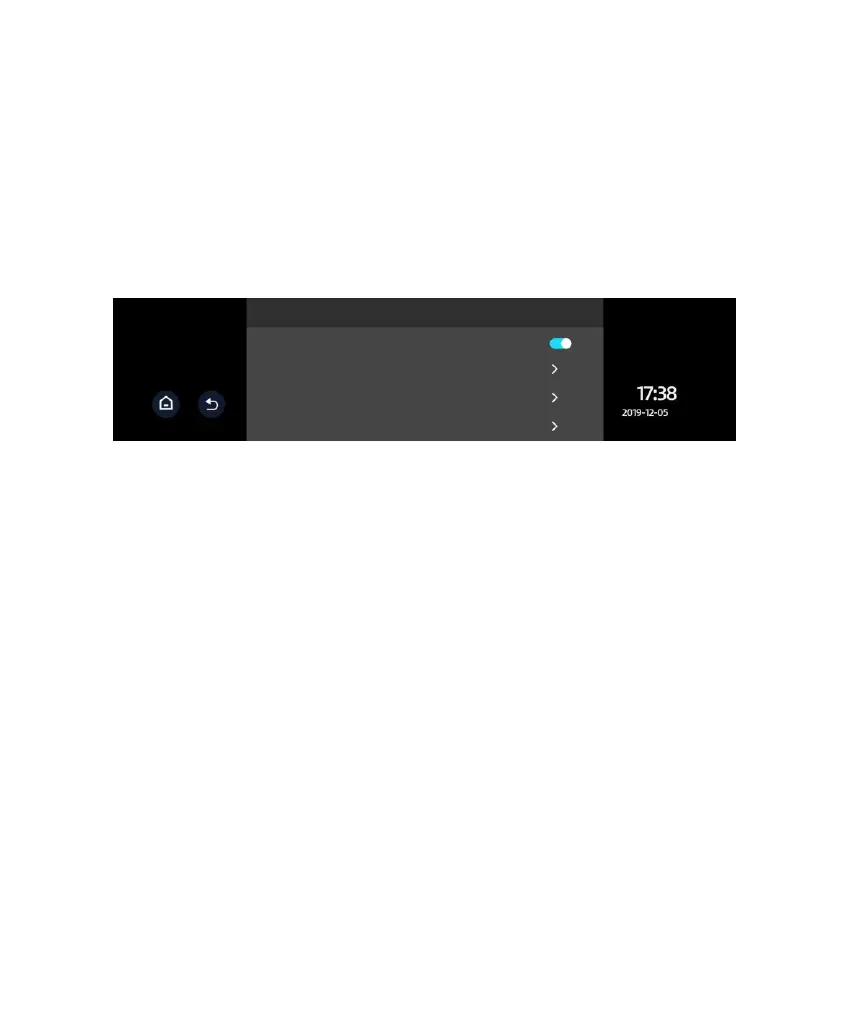
● Stream Media: When this feature is switched on, the full screen rearview
camera image is displayed after starting the device.
● Speed Setup:60 to 160 km/h adjustable
An alarm sounds when driving speed exceeds the set value.
● Speed Error Correction:-6 to +6
● Satellite Information: Check GPS information status and GPS signal
condition.
● Brightness Setup: 1, 2, 3, 4, 5 Sets the brightness of the screen.
● Volume Setup: 0, 1, 2, 3, 4 Sets the audio volume of the system.
● Sleep Mode: 10S, 30S, 60S, off Sets the time to activate the screen’s sleep
mode. The display remains on without powering-off when sleep mode is
deactivated.
● Key Tone: Off, On
● Language Setup: Simplified Chinese, Traditional Chinese, and other
languages



 To Next Page