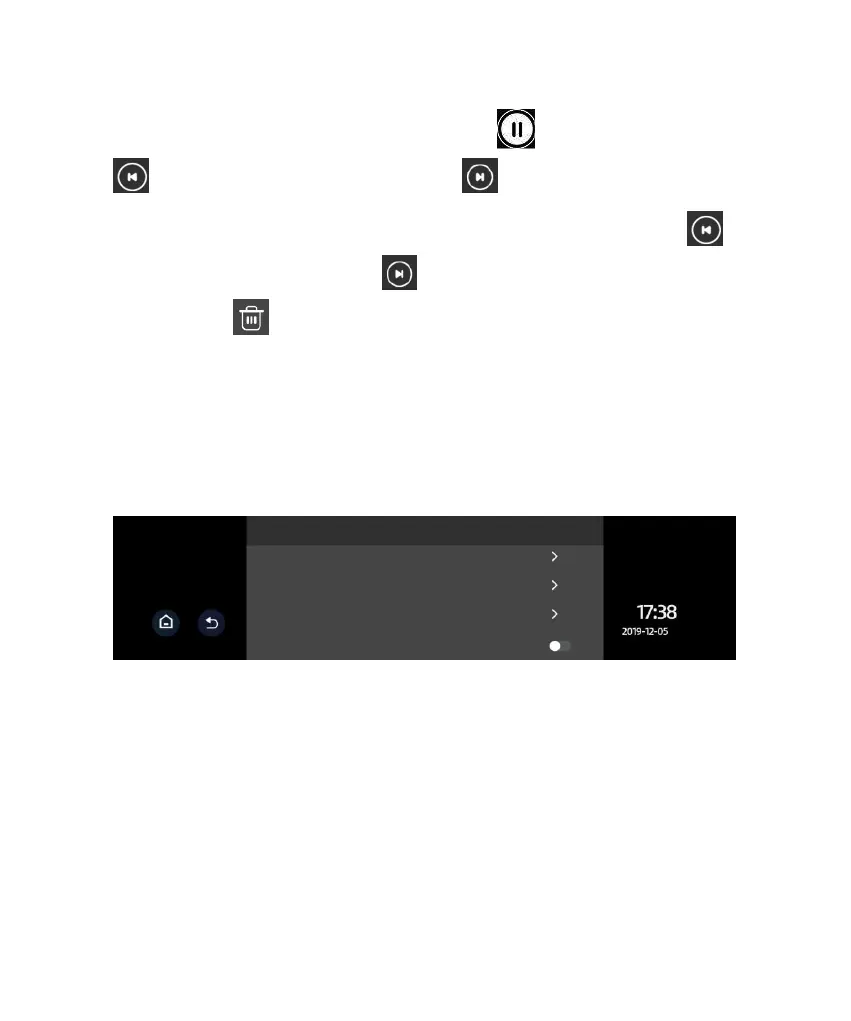
touch the file name. During playback, touch the icon to pause it. Touch
to scroll up the files and touch the icon to scroll down the files.
For an image file, touch the file name to enter the full screen view. Touch
to scroll up the files and touch the icon to scroll down the file. On the file
list page touch to delete a file.
Note: Locked files will not be overwritten by loop recording. When there are
too many locked files or the Locked files full message is prompted, please
backup the files and delete them from the device.
VI. Driving Setup
● Loop Recording: 1 minute or 2 minutes. Video record is saved in segments.
When the storage card is full, the earliest recorded video will be overwritten in
order to maintain loop recording status. The time length in menu is the duration
of each recording.
● Video Resolution: 720P, 1080P
● Frequency:50HZ, 60HZ
● Gravity Sensor Sensitivity: High, Moderate, Low, Off



 To Next Page