In connection with an external power source, in the power-off
state, press or depress this button to start the device. In a
power-on state, depress this button to switch off the device.
In a power-on state, press this button quickly to turn the screen
backlight off. Press it again to turn on the backlight.
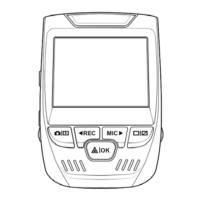
Except for power-on/off operation, all the primary functions can
be accessed by clicking on the corresponding function button.
Some functions are accessed through a screen swiping operation.
If the device crashes, quickly press the reset key to resume
normal operation.
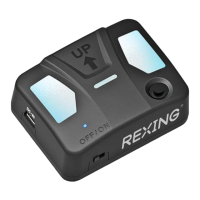
Optional. GPS logger sold separately.
A slot for inserting a MicroSD card
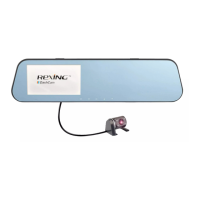
Front camera faces the same direction as the front of the vehicle
and captures videos/images in front of the car.



 To Next Page