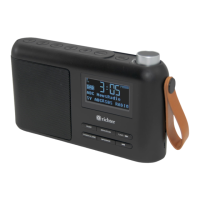
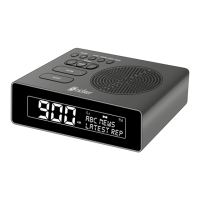
SUNRISE ALARM CLOCK DIGITAL RADIO
6
Quick start guide
Power On and Autoscan
Place the Sunrise Clock radio on a suitable shelf or table, extend the
telescopic antenna and connect the power adapter to the Sunrise Clock
radio and the mains supply.
To Power on; Long Press (approx.: 1 sec) the Power/Snooze button or
Press the Main
button on the rear to turn the Clock radio on, Repeat to
return the Clock Radio into standby.
For DAB
Long Press the Power/Snooze to turn on.
1. Press ‘Mode/Menu’ button to select DAB.
2. For rst time use, it will automatically do station scanning.
3. Press the ‘- Station +’ button to nd desired station and press ‘Select’
button once to conrm selection.
4. Your radio will automatically tune.
5. Adjust the volume using the ‘- Volume +’ button, press ‘-’ side to
decrease and press ‘+’ side to increase volume.
For FM
Long Press the Power/Snooze to turn on.
1. Press ‘Mode/Menu’ button to select FM.
2. Scan for stations, press ‘- Station +’ for 3 seconds.
3. Your radio will automatically tune.
4. Press the ‘- Station +’ button to nd desired station.*
5. Adjust the volume using the ‘- Volume +’ button, press ‘-’ side to
decrease and press ‘+’ side to increase volume.
NOTE: During the scanning, operation of the sound level will be muted
automatically.
*In FM mode you can also tune the station manually, pressing the ‘- Station
+’ button to adjust the FM frequencies with 50kHz up or down respectively.


 To Next Page