9
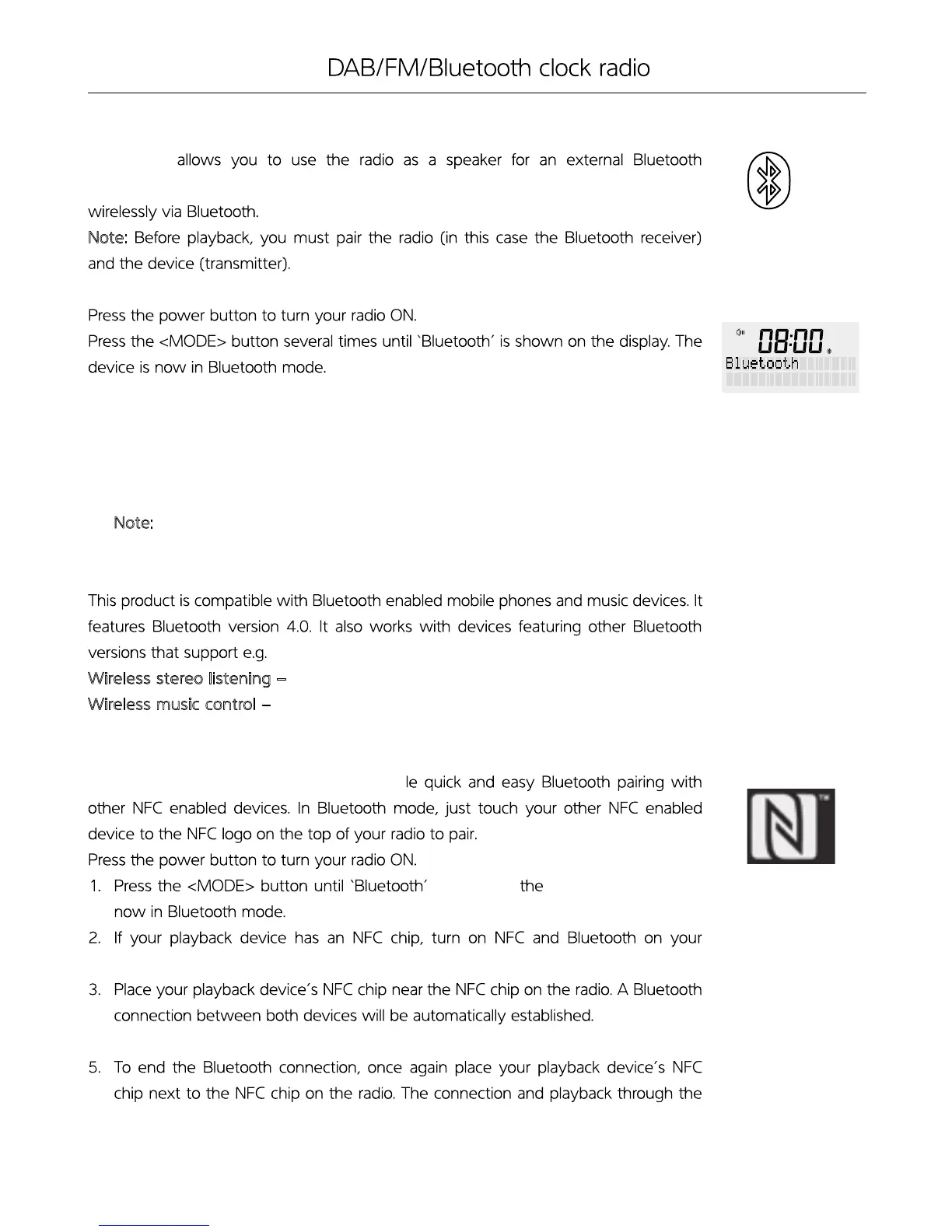
This mode
Compatible device (e.g. mobile phone or MP3 player). The signal is transmitted
Note:
1. Turn on Bluetooth on your external device.
2. Pair your external device with the ‘WAKE RR40’. The devices will now be connected.
3. Play a track on your external device to hear sound.
4. Use the volume dial on the radio to adjust the volume accordingly.
Note: You may need to adjust sound on your external device as required.
Wireless stereo listening – A2DP (Advanced Audio Distribution Profile)
W
ireless music control – AVRCP (Audio/Video Remote Control Profile)
Your radio has an NFC touch point to enab
appears on display. The device is
playback device
4. Begin playback.
radio will be suspended.
BLUETOOTH PLAYBACK MODE
COMPATIBILITY
PLAYBACK DEVICES WITH NFC


 To Next Page