7
DAB/FM/Bluetoo clock radio
-P
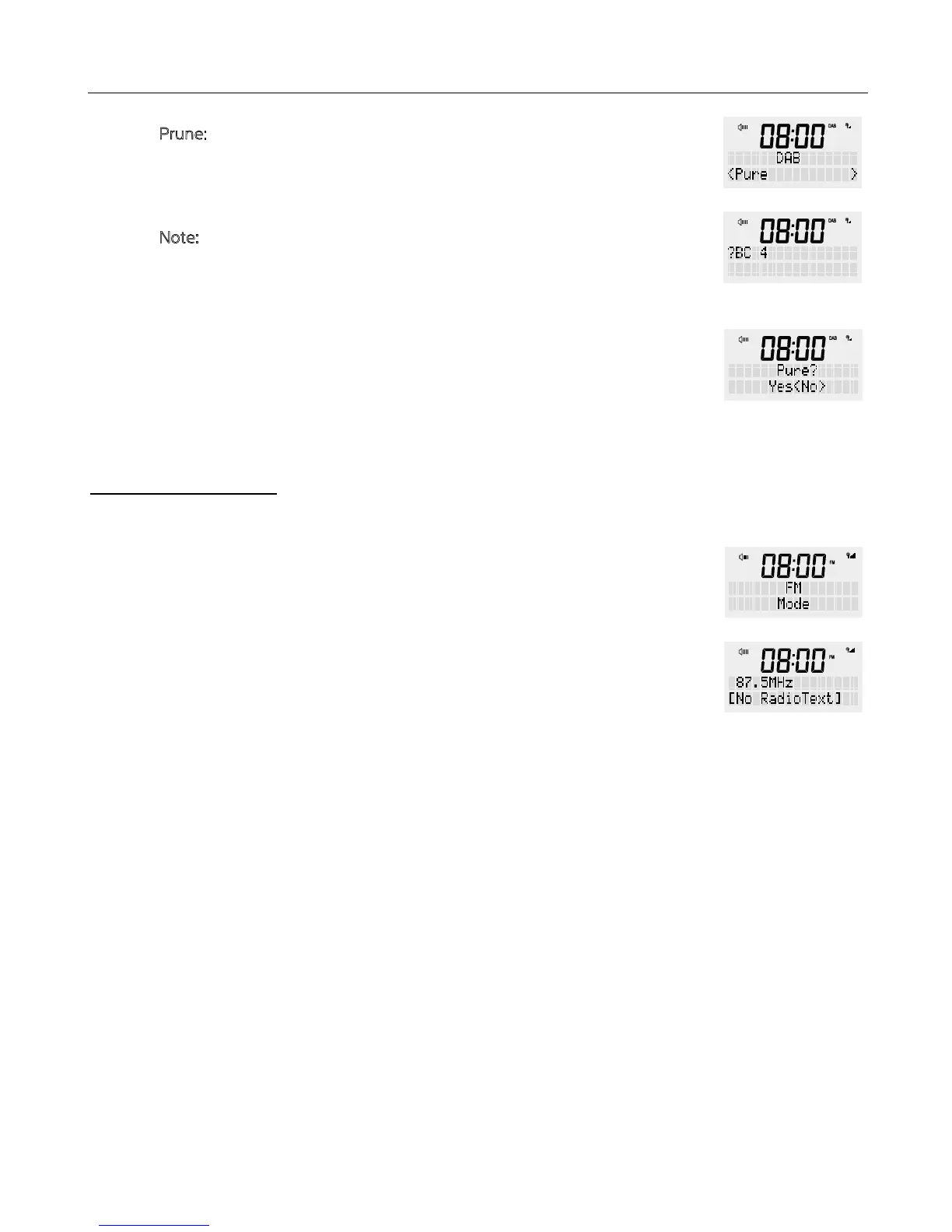
rune: Removes all invalid channels from e channel list
This removes all invalid station indicated in e station list wi a ‘?’ in front of
e station name.
N
ote: Invalid stations are stations at are eier no longer available because
you have moved to a new area or e station no longer exists and may have
gone out of service.
Press and hold e <MENU / INFO> button, release once an option is
available on e screen. Turn e rotary dial to select ‘Prune’ and press once
to confirm. Then turn e rotary button again to select <Yes> and press
<SCROLL/SELECT> dial to confirm.
This allows you to tailor e DAB/FM radio wi a variety of options to suit you.
1. Press <POWER> to turn on. And press e <MODE> button to select FM on e
display.
2. Press e <TUNE> button and turn e rotary dial to search rough e entire
frequency band, en press <SCROLL/SELECT> dial to confirm.
Or for an automatic search, press and hold down <SCROLL/SELECT> dial for a
short period until e scan starts, en release. The radio will keep on searching
and stop on an available station. Repeat to move e next available station.
3. Short press e <INFO> button for more information about your FM station.
Information such as:
- Radio text
- PTY (Programme Type)
- Frequency
- Stereo / Mono
- Time
- Date
FM RADIO MODE


 To Next Page