EasyManua.ls Logo

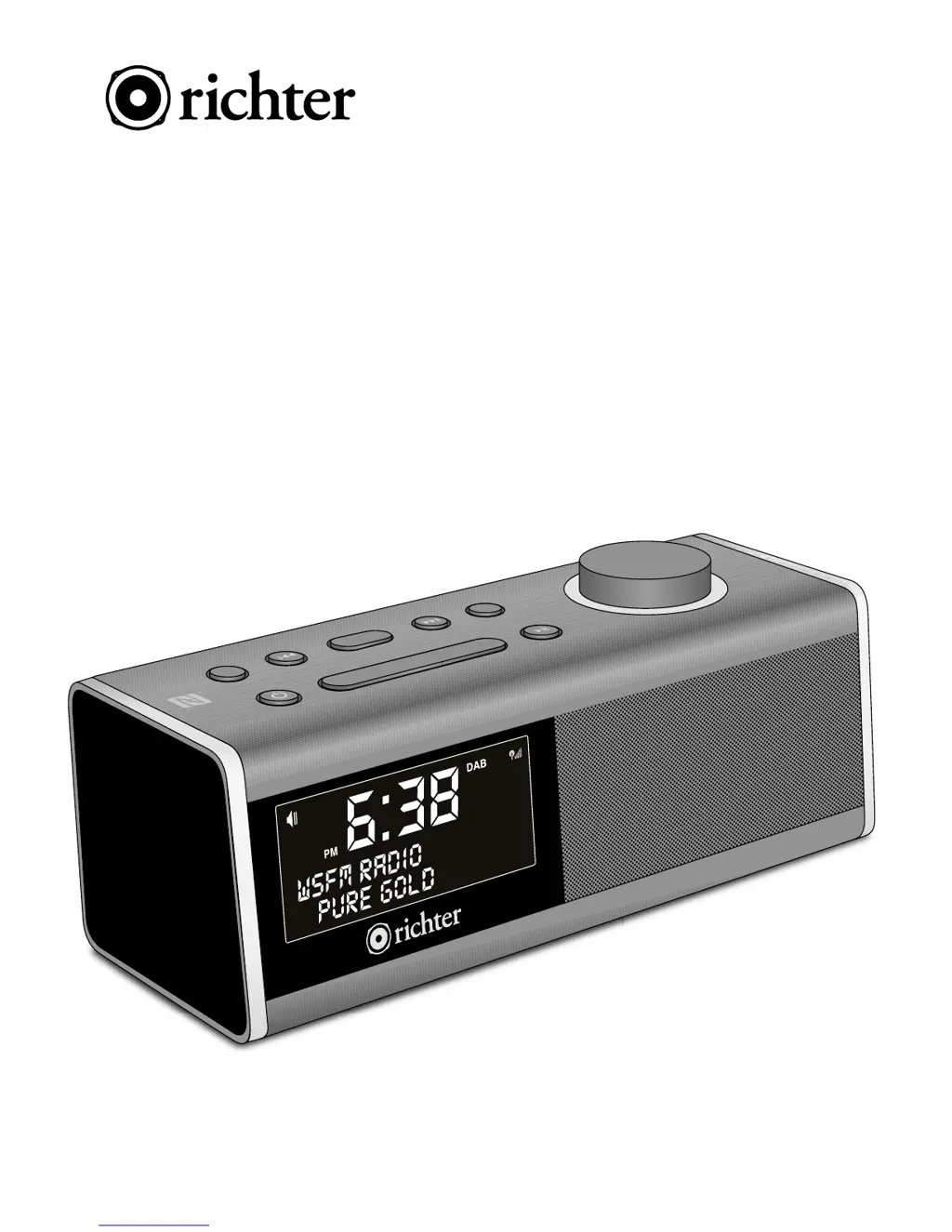
Richter RR40 - User Manual

Richter RR40
20 pages
Print Icon
To Next Page IconTo Next Page
Loading...
MODEL: RR40
User Manual
WAKE
ALARM CLOCK
DIGITAL RADIO
TUNE
SCROLL / SELECT
MENU - INFO
BACK
PRESET
PRESET
SNOOZE
POWER
MODE

Questions and Answers

Summary

Important Safety Information

Parts and Accessories

Initial Radio Setup

Standby Mode

Radio enters standby mode when power is first connected.

First Time Radio Activation

Radio automatically switches to DAB mode upon first power-on.

DAB Radio Mode Operation

Scanning for DAB Stations

Perform a full scan to find available DAB channels.

Navigating DAB Channels

Use TUNE button and rotary dial to select desired DAB channels.

Viewing DAB Station Information

Short press INFO for details like DLS, Signal Strength, and PTY.

Advanced DAB Settings

Configure Full Scan, Manual Tune, and Dynamic Range Control (DRC).

Pruning Invalid DAB Stations

Remove stations indicated with '?' from the list for a clean display.

FM Radio Mode Operation

Tuning FM Stations

Manually tune or auto-scan for FM stations using TUNE and SCROLL/SELECT.

Viewing FM Station Information

Short press INFO for details like Radio text, PTY, and Frequency.

FM Scan and Audio Settings

Adjust scan behavior and audio output modes (Stereo/Mono).

Auxiliary Input (AUX IN) Mode

Bluetooth Playback Mode

Pairing Bluetooth Devices

Pair your external device with 'WAKE RR40' via Bluetooth for wireless audio.

NFC Pairing for Bluetooth

NFC Pairing Procedure

Touch NFC chip on device to radio's NFC logo for quick auto-pairing.

Alarm Setting Procedure

Alarm Setup Steps

Guide to setting alarm time, duration, source, and repeat options.

Alarm Source Selection

Choose alarm sound: BUZZER, DAB, or FM (Last listened/preset).

Alarm Repeat and Volume

Configure alarm frequency (Daily, Weekends) and set alarm sound volume.

Managing Alarms On;Off

Using the Snooze Function

Setting FM;DAB Presets

Storing Preset Stations

Tune to a station, hold PRESET, select number, and confirm to save.

Recalling Preset Stations

System Settings

Equaliser Settings

Adjust sound profiles and fine-tune Treble, Bass, Loudness.

Time and Date Configuration

Set clock time, date, and format options like 12/24 hour mode.

Backlight Control

Adjust screen brightness and timeout settings for optimal viewing.

Factory Reset Procedure

Software Version Check

Troubleshooting Common Issues

FM Hiss and DAB Performance

Troubleshoot audio issues like hiss in FM and burbling/cut-out in DAB.

Bluetooth and Sound Problems

Resolve Bluetooth pairing failures and no sound issues with the radio.

Error Messages Guide

Technical Specifications

Cleaning and Care Instructions

Product Warranty Information

General Warranty Terms

Understand consumer guarantees and the scope of the Richter Audio warranty.

Warranty Exclusions and Limitations

Learn about conditions that void the warranty or are not covered.

Richter RR40 Specifications

General IconGeneral
BrandRichter
ModelRR40
CategoryClock Radio
Display TypeLED
Snooze FunctionYes
Mains poweredYes
Battery BackupYes
Power SourceMains
Alarm TypeBuzzer
Radio TypeFM