Protecting Documents Stored in the Document Server
29
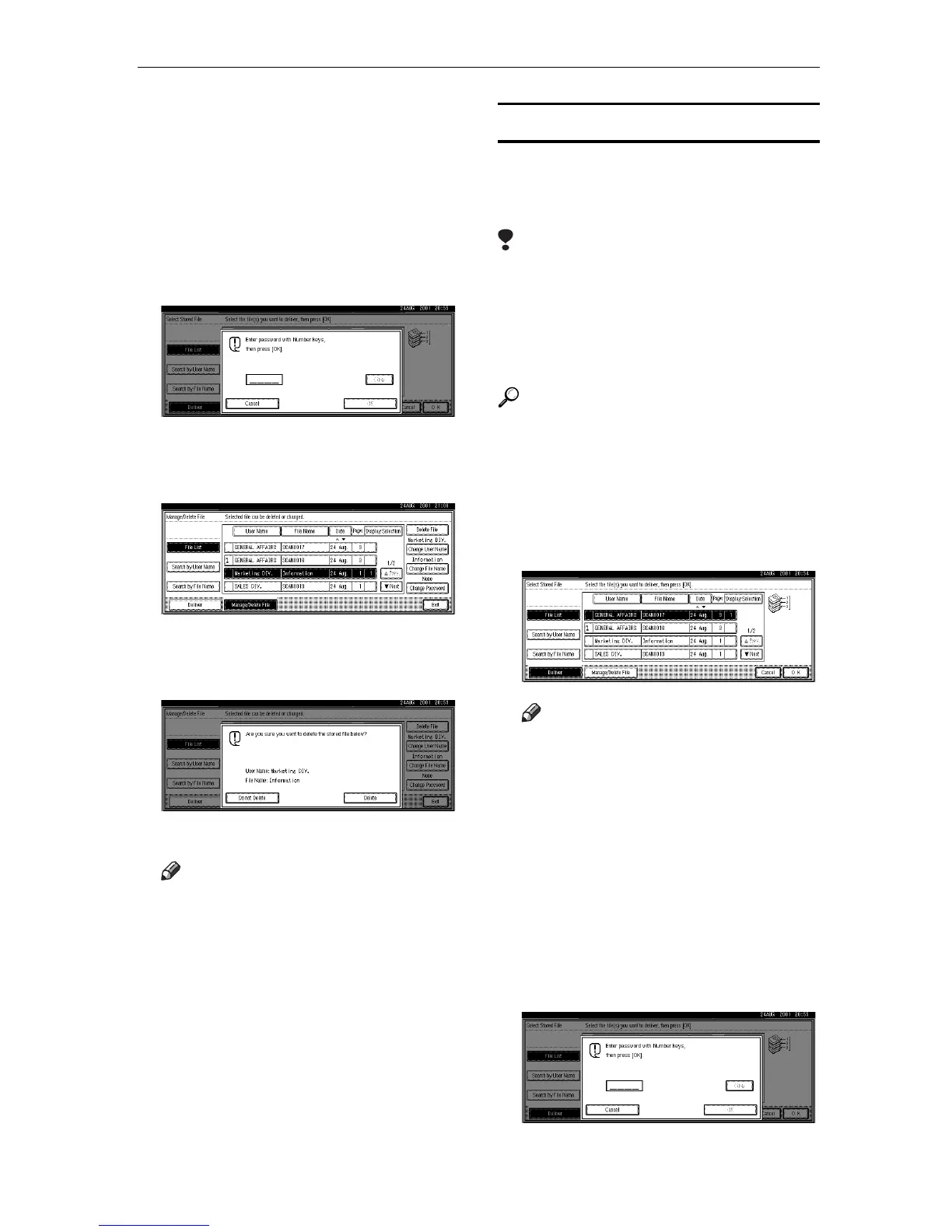
❒ If you enter an incorrect pass-
word for a document three
times consecutively, document
access is refused. Turn off the
main power switch, and then
turn it on to re-enter correctly.
However, access attempts for
other documents are still ac-
cepted.
❒ Enter Password 4-digit number.
D
DD
D
Press [Delete File]
A confirmation message appears.
E
EE
E
Press [Delete].
The file is deleted.
Note
❒ When multiple files are select-
ed, the total number of files to
be deleted is displayed.
F
FF
F
Press [Exit].
The display returns to the scanner
function screen.
Delivering Stored Files
To deliver a scan data file stored in
the Document Server, proceed as fol-
lows.
Limitation
❒ To deliver scan data files, a deliv-
ery server is necessary.
❒ If the " Delivery Option" in Scanner
Initial Setup is set to "No", delivery
is not possible.
Reference
For details, see "Delivering Stored
Files" in the Scanner Copy Refer-
ence manual.
A
AA
A
Display the list of stored files.
B
BB
B
Select the file for delivery.
Note
❒ When you select a password
protected file, the password en-
try screen appears. After you
have entered the correct pass-
word and pressed [OK], the file
will be selected.
❒
If you enter an incorrect pass-
word for a document three times
consecutively, document access is
refused. Turn off the main power
switch, and then turn it on to re-
enter correctly. However, access
attempts for other documents are
still accepted.
❒ Enter Password 4-digit number.




 To Next Page