Registering a custom size
Register a custom paper size.
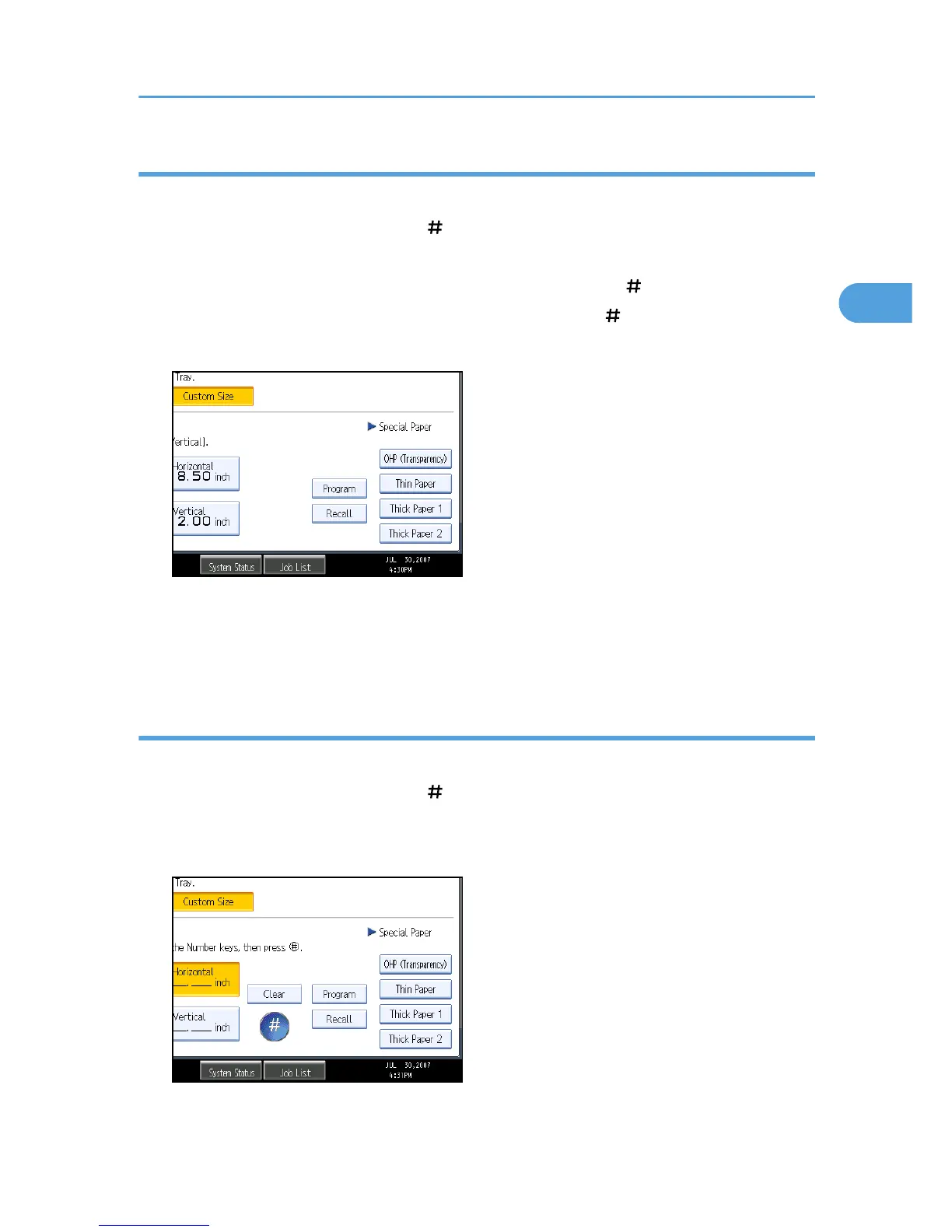
1. Press [Bypass], and then press the [ ] key.
2. Press [Custom Size].
3. Enter the horizontal size with the number keys, and then press [ ].
4. Enter the vertical size with the number keys, and then press [ ].
5. Press [Program].
The confirmation screen appears.
6. Press [Exit].
7. Press [OK].
Recalling the registered custom size
Recalls the registered paper size.
1. Press [Bypass], and then press the [ ] key.
2. Press [Custom Size].
3. Press [Recall].
The registered size is displayed.
Copying from the Bypass Tray
41



 To Next Page