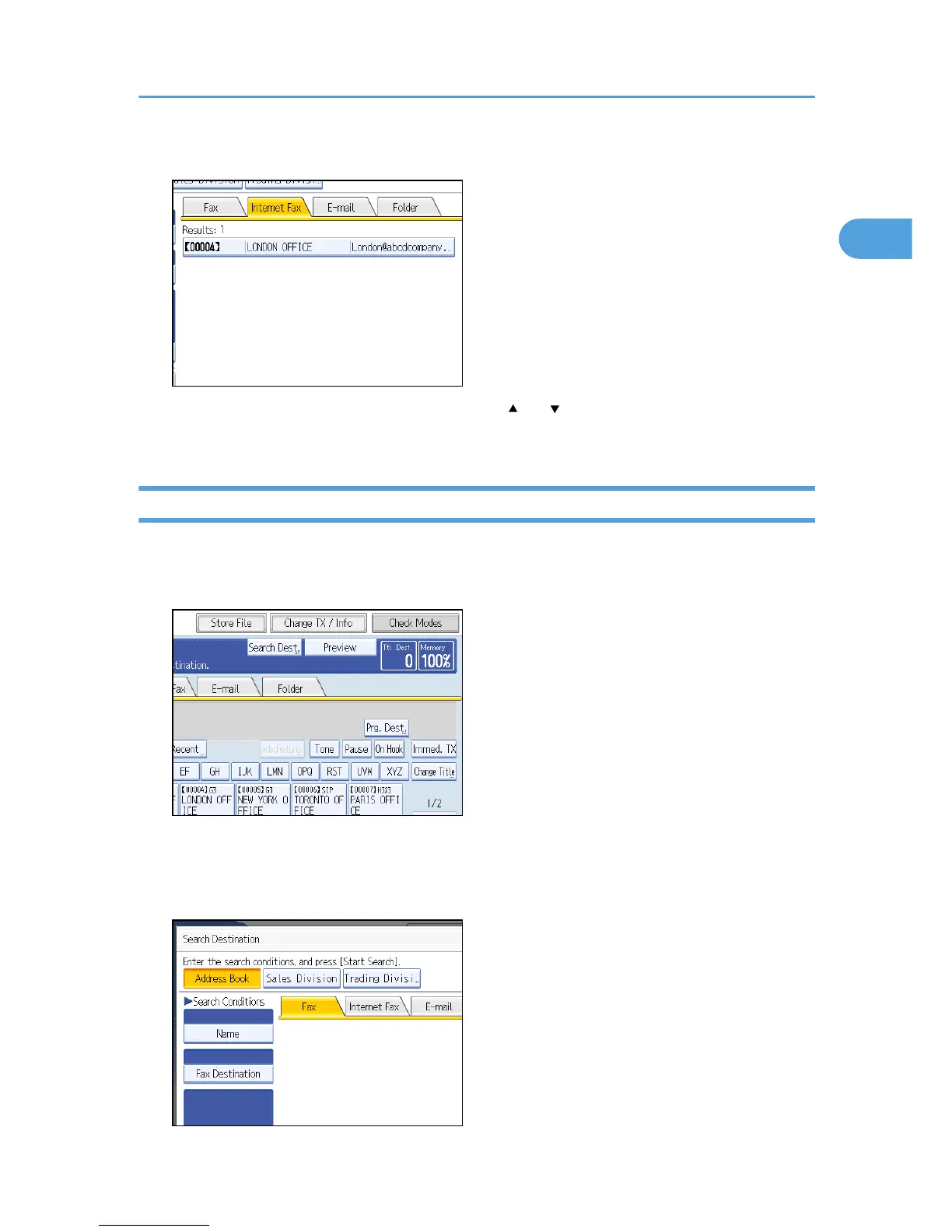
7. Select a destination.
If the destination you require does not appear, use [ ] or [ ] to scroll through the list.
Press [Details] to display the details of a selected destination.
Search by E-mail Destination
This section explains how to search for a destination registered in the Address Book by e-mail destination.
1. Press the [Search Dest.].
2. Select a search destination.
To search through the Address Book, select [Address Book].
To search through an LDAP server, select the relevant LDAP server.
Searching for a Destination in the Address Book
117











 To Next Page