EasyManua.ls Logo

Ricoh 9050b - User Manual

Ricoh 9050b
1118 pages
Print Icon
To Next Page IconTo Next Page
Loading...
Getting Started
Entering Text
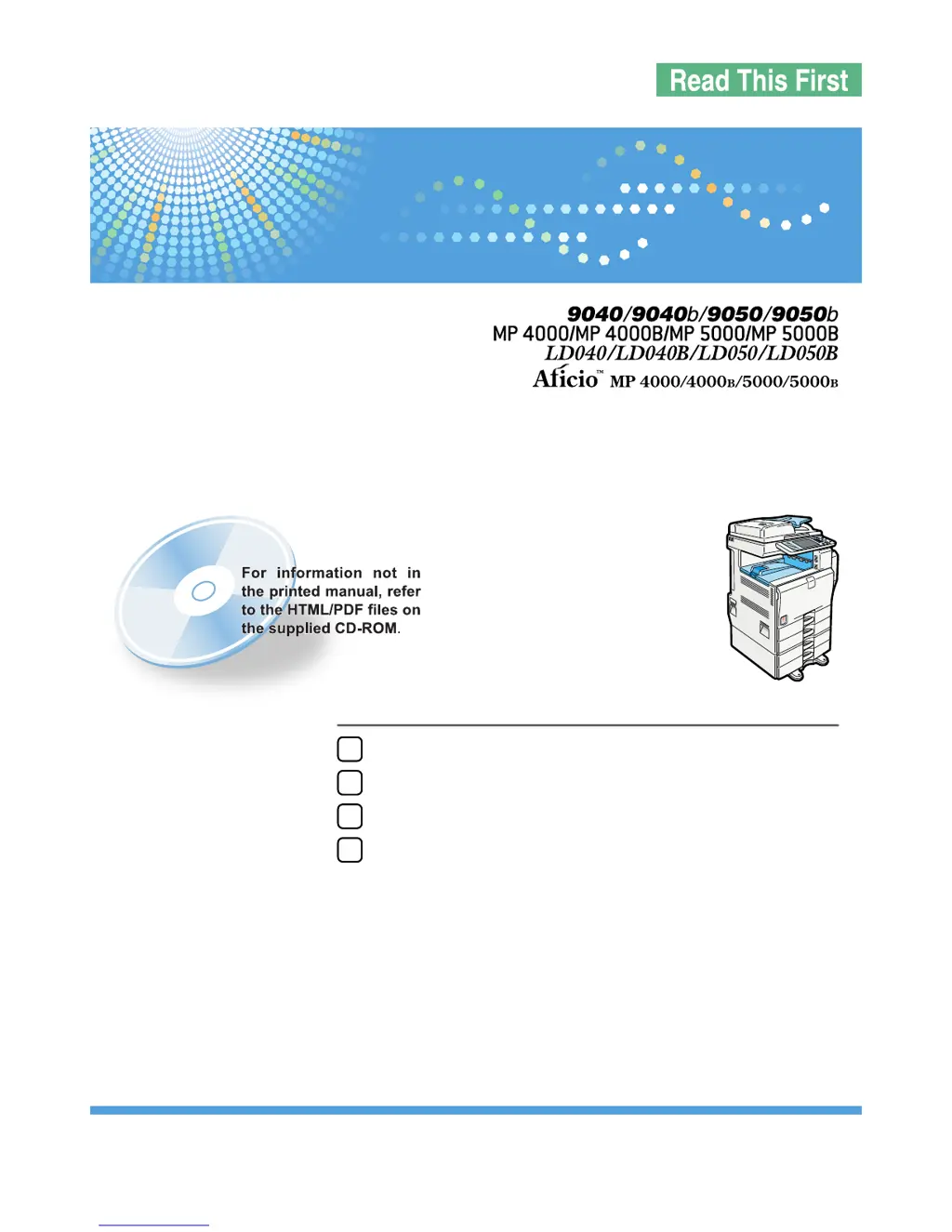
Operating Instructions
Appendix
1
2
3
4
Read this manual carefully before you use this machine and keep it handy for future reference. For safe and correct use, be sure to read the Safety Information
in this manual before using the machine.
About This Machine
Operating Instructions

Table of Contents

Questions and Answers

  • T
    Taylor ThomasAug 20, 2025
    What to do if my Ricoh Printer cannot detect original size?
    • D
      Dakota Price PhDAug 20, 2025
      If your Ricoh printer cannot detect the original size, it might be due to a non-standard size original placed on the exposure glass. Try placing the original on the exposure glass again, face down. If the issue persists, manually specify the size and avoid using Auto Paper Select mode or the Auto Reduce/Enlarge function. Also, ensure that the original is placed correctly.
  • J
    Jessica BarnesAug 22, 2025
    Why can't I staple paper of this size on my Ricoh 9050b?
    • R
      Robert NguyenAug 22, 2025
      The Staple function cannot be used with the selected paper size. Select a proper paper size.
  • M
    mrobertsAug 25, 2025
    Why Ricoh 9050b says 'Authentication has failed'?
    • C
      Casey ThompsonAug 25, 2025
      This issue occurs because the login user name or password entered is incorrect. Ask your user administrator for the correct login user name and password. It can also happen if the machine cannot perform authentication; in this case, contact the administrator.
  • G
    Gregory RiveraAug 26, 2025
    What to do if my Ricoh 9050b Printer says 'Original is being scanned by another function'?
    • M
      Michael CamachoAug 27, 2025
      This message appears when a function other than the Copier function is in use, such as the Document Server function. To resolve this, cancel the job in progress by pressing [Exit], then press the [Document Server] key, and finally, press the [Clear/Stop] key.
  • A
    Amy ThomasAug 27, 2025
    What to do if my Ricoh 9050b exceeds maximum number of pages per file?
    • D
      duane69Aug 28, 2025
      The number of scanned pages has exceeded the Document Server's capacity per file. To store the scanned pages as one file, press [Store File]. This will save the scanned data as a file in the Document Server. If you don't want to store the scanned pages, press [No] to delete the scanned data.
  • M
    Megan LarsonAug 29, 2025
    What to do if my Ricoh Printer says 'File being stored exceeded max. number of pages per file'?
    • D
      Daniel RamirezAug 29, 2025
      The scanned originals have too many pages to store as one document. Press [Exit], and then store again with an appropriate number of pages.
  • K
    Katherine ChangAug 31, 2025
    Why is Magazine or Booklet mode not available on my Ricoh 9050b?
    • R
      Richard WuAug 31, 2025
      The 'Magazine' or 'Booklet' function is not available because you selected it for originals scanned using different functions, such as copy and printer. Make sure originals for the 'Magazine' or 'Booklet' function are scanned using the same function.
  • A
    Amber RichardsonSep 2, 2025
    What to do if my Ricoh 9050b displays 'Check original orientation'?
    • L
      Lori WashingtonSep 2, 2025
      The original is not placed in the correct orientation. Change the orientation of the original.
  • T
    Tammy BrooksSep 4, 2025
    Why Ricoh 9050b displays 'Maximum number of sets is n'?
    • J
      jillhaynesSep 4, 2025
      The number of copies exceeds the maximum copy quantity. You can change the maximum copy quantity from [Max. Copy Quantity] in [General Features] under [Copier / Document Server Features].
  • B
    Brent CampbellSep 6, 2025
    Why Ricoh Printer displays 'You do not have the privileges to use this function'?
    • R
      Rachel BeckerSep 6, 2025
      The logged in user name does not have permission for the selected function. Contact the administrator about the permission for the required function.

Ricoh 9050b Specifications

General IconGeneral
CategoryPrinter
Max Resolution (Black)1200 x 1200 dpi
Paper Capacity4, 200 sheets
Duplex PrintingYes
Print TechnologyLaser
Maximum Resolution1200 x 1200 dpi
Network ConnectivityEthernet
Supported Operating SystemsWindows, macOS

Related product manuals