• p.89 "Printing from the Print Job Screen"
Selecting the Initial Print Job List
Follow the procedure below to set the initial Print Jobs screen, and to show it.
Selecting the Initial Print Job List
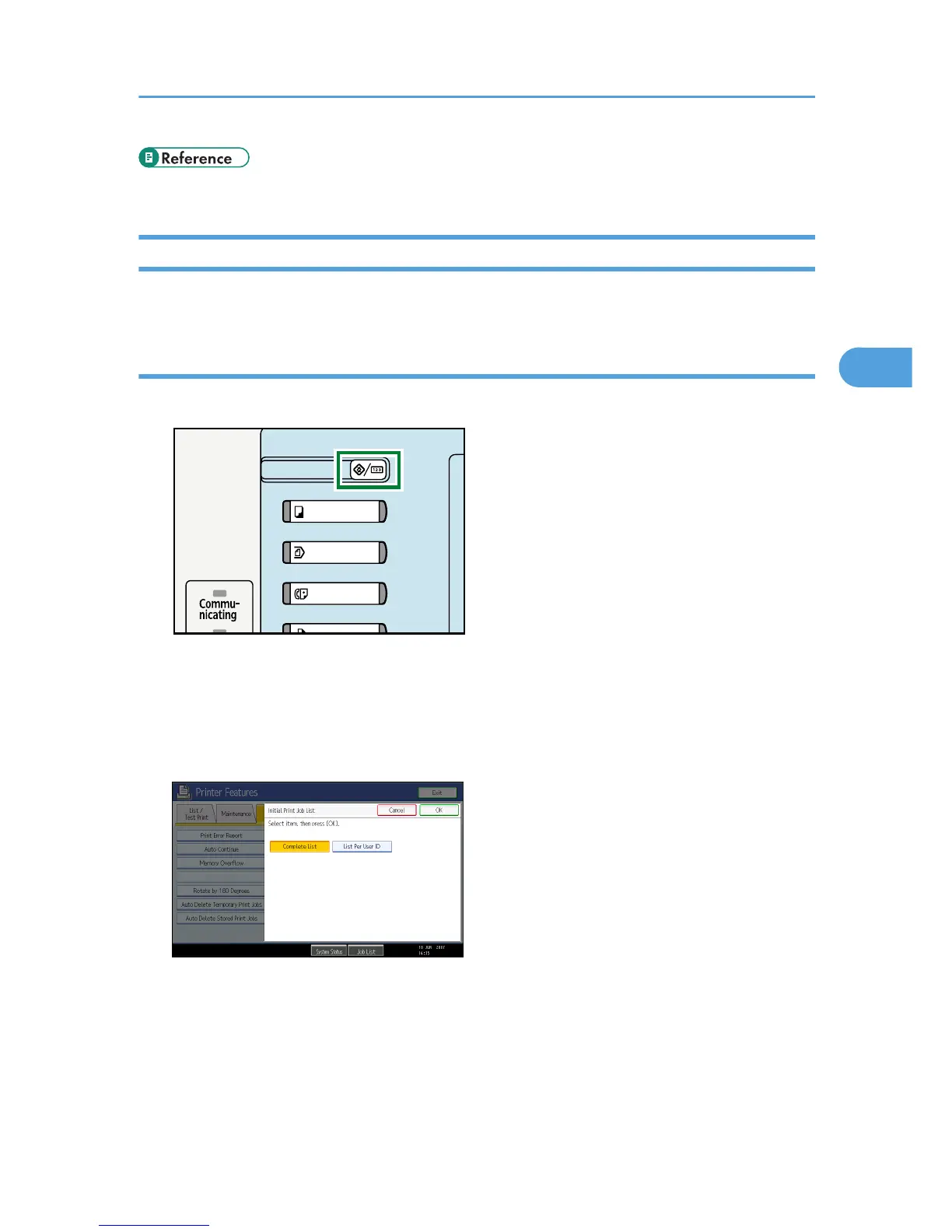
1. Press the [User Tools/Counter] key.
2. Press [Printer Features].
The Printer Features menu appears
3. On the [System] tab, press [Initial Print Job List].
4. Select either [Complete List] or [List Per User ID].
After configuring the settings, the selected type of print job list is displayed.
Using the Print Job Function
87











 To Next Page