specify whether or not to apply encryption and a digital signature. For details about Box Setting, see
“Facsimile Features”, General Settings Guide.
• For details about Confidential File Report, see “Confidential File Report”.
• p.250 "Printing Personal Box Documents"
• p.251 "Confidential File Report"
Printing Personal Box Documents
This section explains how to print a document received into a Personal Box.
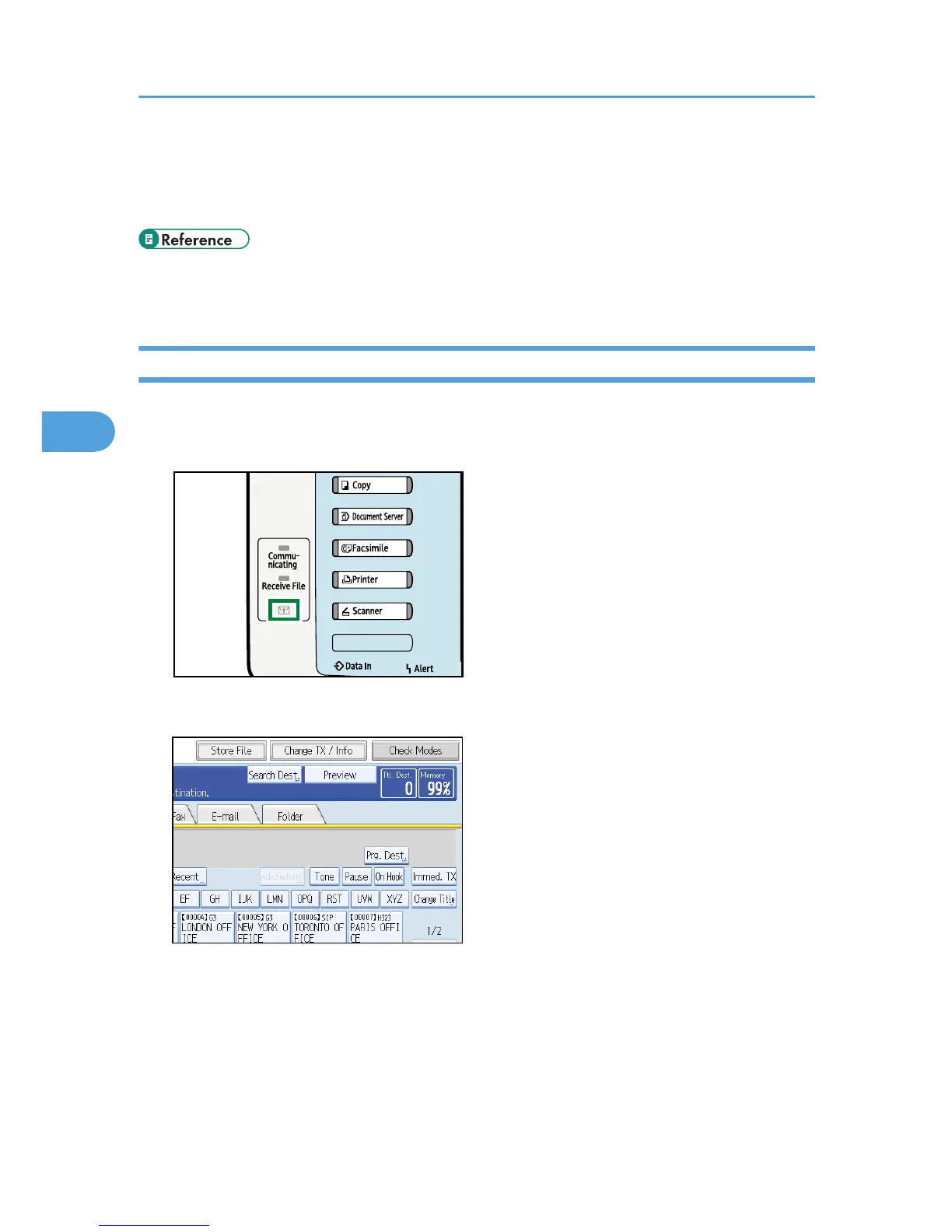
1. Make sure that the Confidential File indicator is lit.
2. Press [Change TX / Info].
3. Press [Print Personal Box File].
4. Changing/Confirming Communication Information
250











 To Next Page