• Number of Keystroke Programs you can register
• Number of characters you can enter for a program name
• p.316 "Maximum Values"
Changing a program name
This section explains how to change a program name.
1. Make sure that the machine is in facsimile mode and the standby display is shown.
If the standby display is not shown, press the [Facsimile] key.
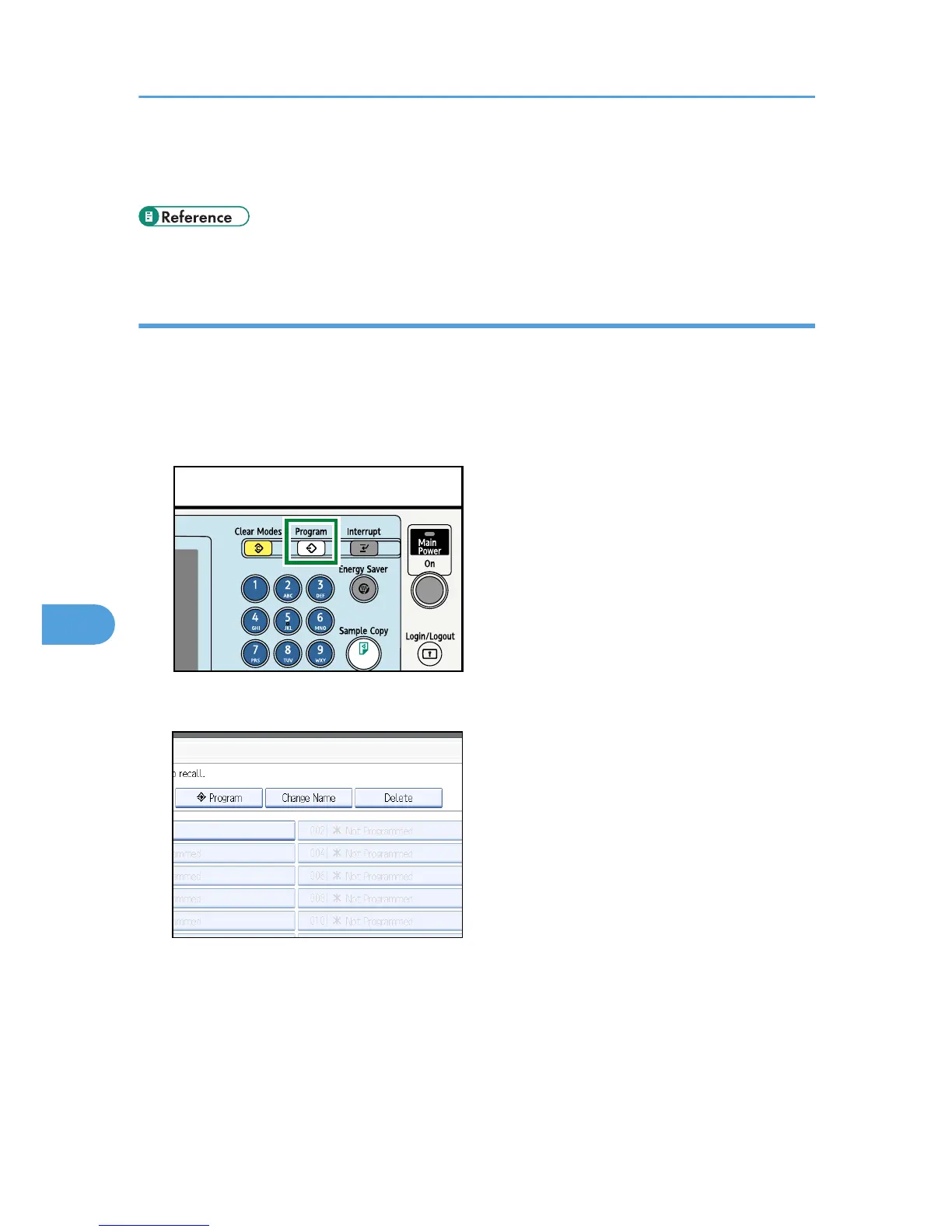
2. Press the [Program] key.











 To Next Page