Confirming Transmission Results by E-mail
Use this function to confirm the transmission results by sending an e-mail notification to the specified
destination.
• Register the e-mail address of the destination for e-mail notification in the destination list in advance.
1. Place the original, and then select the scan settings you require.
2. Specify the sender.
For details, see “Sender Settings”.
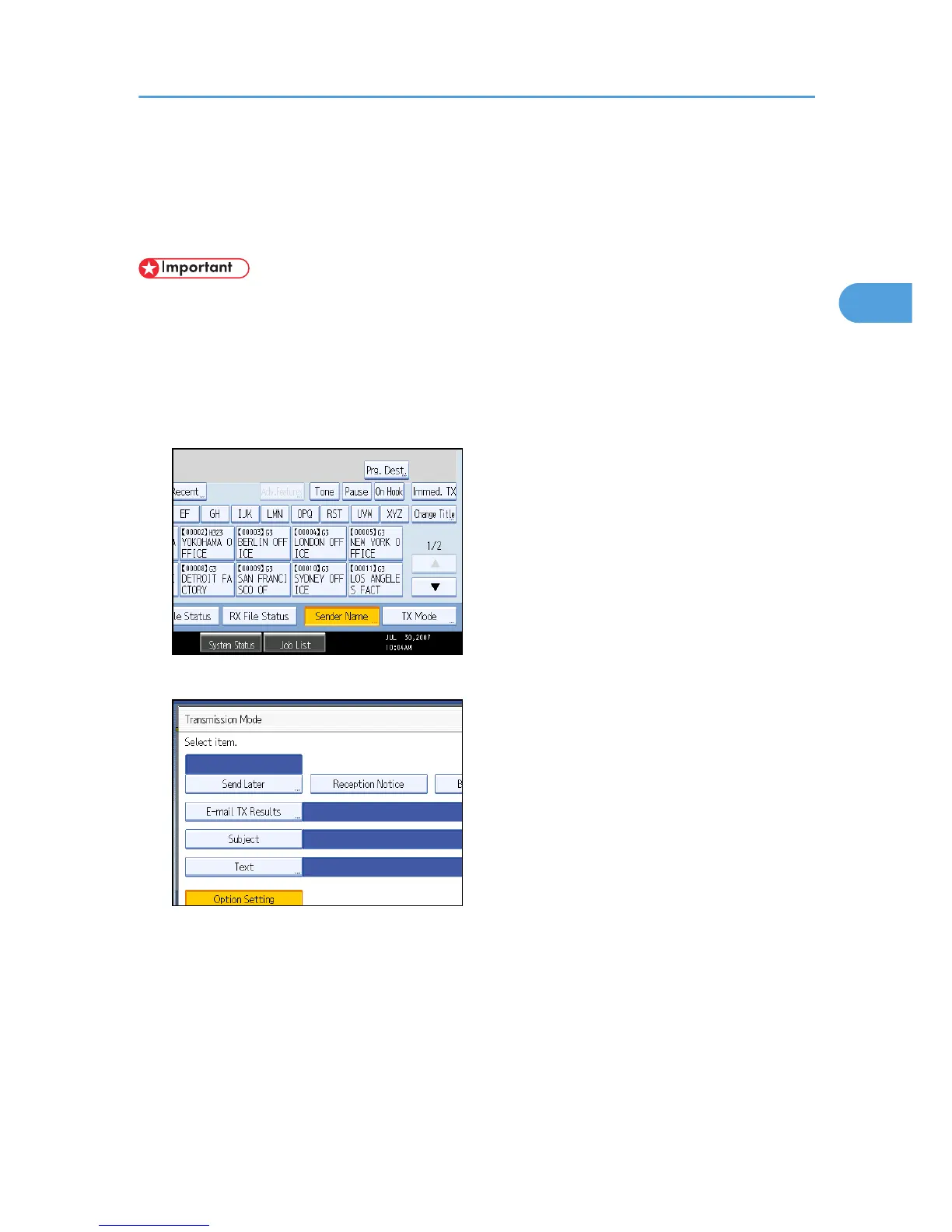
3. Press [TX Mode].
4. Press [E-mail TX Results].
Confirming Transmission Results by E-mail
161











 To Next Page