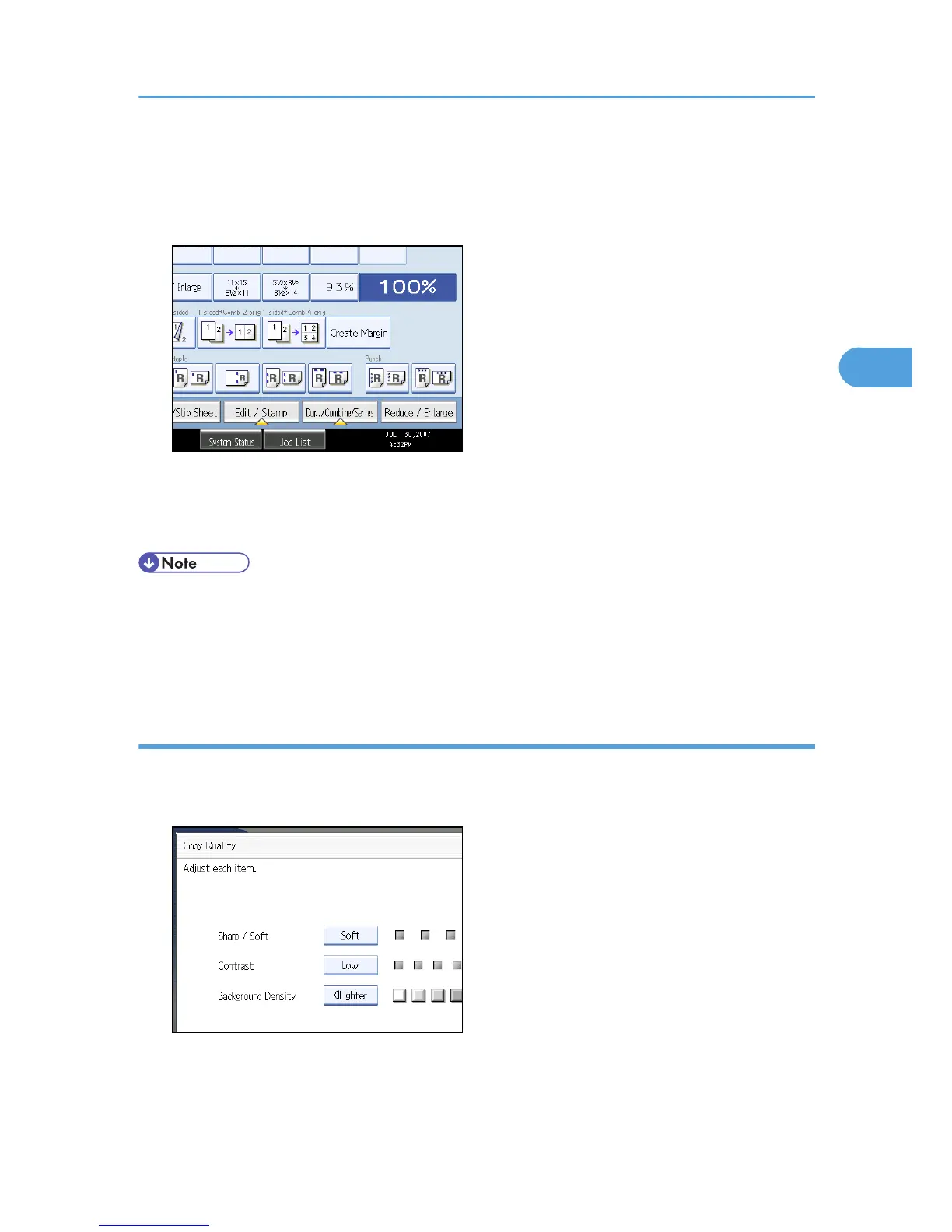
Background Density
Adjusts the background density of an image.
1. Press [Edit / Stamp].
2. Press [Copy Quality].
3. Adjust the settings.
4. Press [OK] twice.
• [Sharp / Soft], [Contrast], and [Background Density] can each be adjusted, however, their
adjustments can affect the level of other adjustment functions.
• The adjusted settings will be deleted and the initial values will be reset, when Auto Clear has been
performed, when the [Clear Modes] key has been pressed or when the power has been turned off.
Sharp / Soft
Adjusts the outline of an image.
1. Adjust the image quality by pressing [Soft] or [Sharp].
2. Press [OK].
Adjusting Copy Image Density
89











 To Next Page