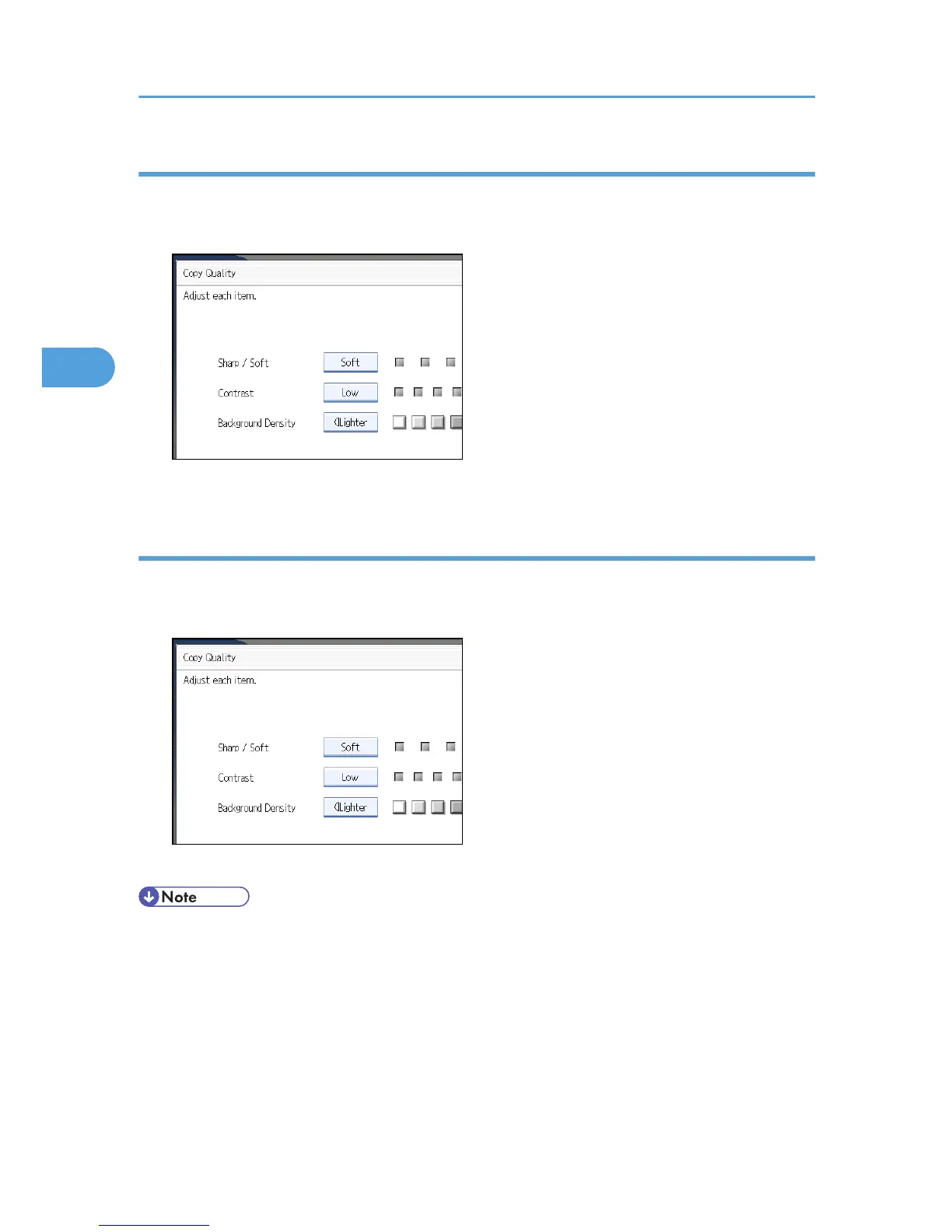
Contrast
Adjusts the shades of an image.
1. Adjust the image quality by pressing [Low] or [High].
2. Press [OK].
Background Density
Adjusts the background density of an image.
1. Adjust the image quality by pressing [Lighter] or [Darker].
2. Press [OK].
• Adjustments should be made lighter when copying dark textured originals, such as newspaper or
recycled paper.
• Adjustments should be made darker when darkening the area marked with markers or highlighters.
However, as the color of highlighters is difficult to copy, the copy might not come out depending on
the color of the highlighters.
3. Advanced Copying
90











 To Next Page