Advanced Reduce/Enlarge Copying
This section describes the advanced functions for reducing or enlarging images.
For details about the basic reduce/enlarge copy functions, see “Reducing or Enlarging Images”.
• p.43 "Reducing or Enlarging Originals"
Size Magnification
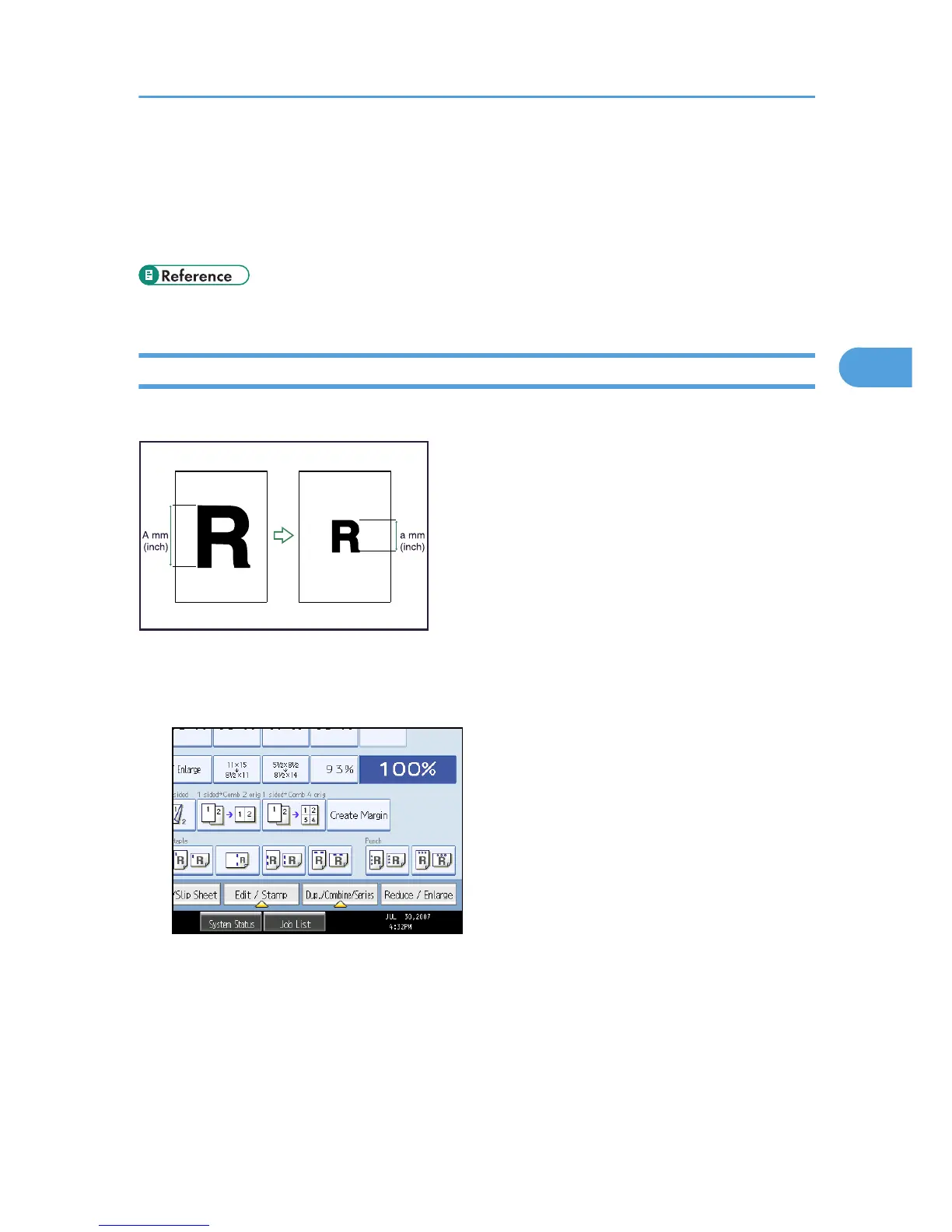
This function calculates a reproduction ratio based on the lengths of the original and copy.
Measure and specify the lengths of the original and copy by comparing “A” with “a”.
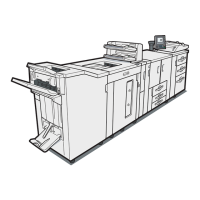
1. Press [Reduce / Enlarge].
2. Press [Size Magnification].
Advanced Reduce/Enlarge Copying
95





 To Next Page