EasyManua.ls Logo

Ricoh 9050b - User Manual

Ricoh 9050b
1118 pages
Print Icon
To Next Page IconTo Next Page
Loading...
Getting Started
Entering Text
Operating Instructions
Appendix
1
2
3
4
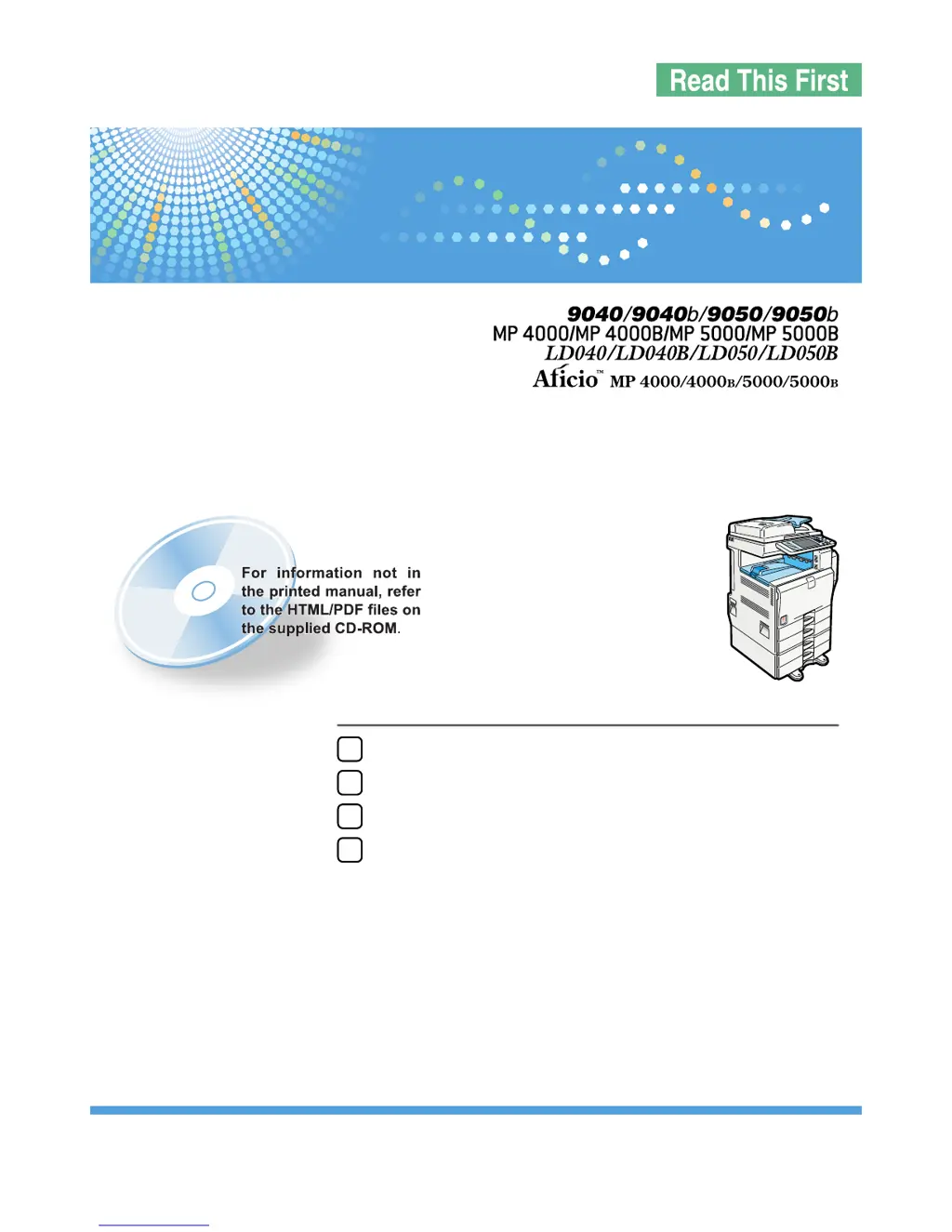
Read this manual carefully before you use this machine and keep it handy for future reference. For safe and correct use, be sure to read the Safety Information
in this manual before using the machine.
About This Machine
Operating Instructions

Table of Contents

Questions and Answers

  • B
    brandysanchezSep 8, 2025
    Why Ricoh Printer displays 'Please wait'?
    • K
      Kelly PerezSep 8, 2025
      The destination list is being updated from the network using SmartDeviceMonitor for Admin. Wait until the message disappears and do not switch off the power while this message is displayed.
  • J
    joannajonesSep 10, 2025
    What does 'The selected file(s) contained file(s) without access privileges' mean on my Ricoh 9050b?
    • C
      Christopher BennettSep 10, 2025
      You have tried to delete files without the authority to do so. Files can be deleted by the person who created the file. To delete a file which you are not authorized to delete, contact the person who created the file.
  • A
    Aaron DavisSep 12, 2025
    What to do if my Ricoh 9050b displays 'Check paper size'?
    • A
      Angela WarrenSep 12, 2025
      An irregular paper size is set. If you press the [Start] key, copy will start onto the selected paper.
  • A
    Angela BrownSep 13, 2025
    Why can't I punch this paper size on my Ricoh 9050b?
    • A
      Amber TorresSep 13, 2025
      The Punch function cannot be used with the selected paper size. Select a proper paper size.
  • M
    Michele JohnsonSep 15, 2025
    Why is Duplex not available with this paper size on my Ricoh 9050b?
    • A
      Angela ColeSep 15, 2025
      A paper size not available in Duplex mode has been selected. Select a proper paper size.
  • E
    esalasSep 18, 2025
    Why is Rotate Sort not available with this paper size on my Ricoh 9050b?
    • C
      Cynthia HarveySep 18, 2025
      A size of paper for which Rotate Sort is not available has been selected. Select a proper paper size.

Ricoh 9050b Specifications

General IconGeneral
CategoryPrinter
Max Resolution (Black)1200 x 1200 dpi
Paper Capacity4, 200 sheets
Duplex PrintingYes
Print TechnologyLaser
Maximum Resolution1200 x 1200 dpi
Network ConnectivityEthernet
Supported Operating SystemsWindows, macOS

Related product manuals