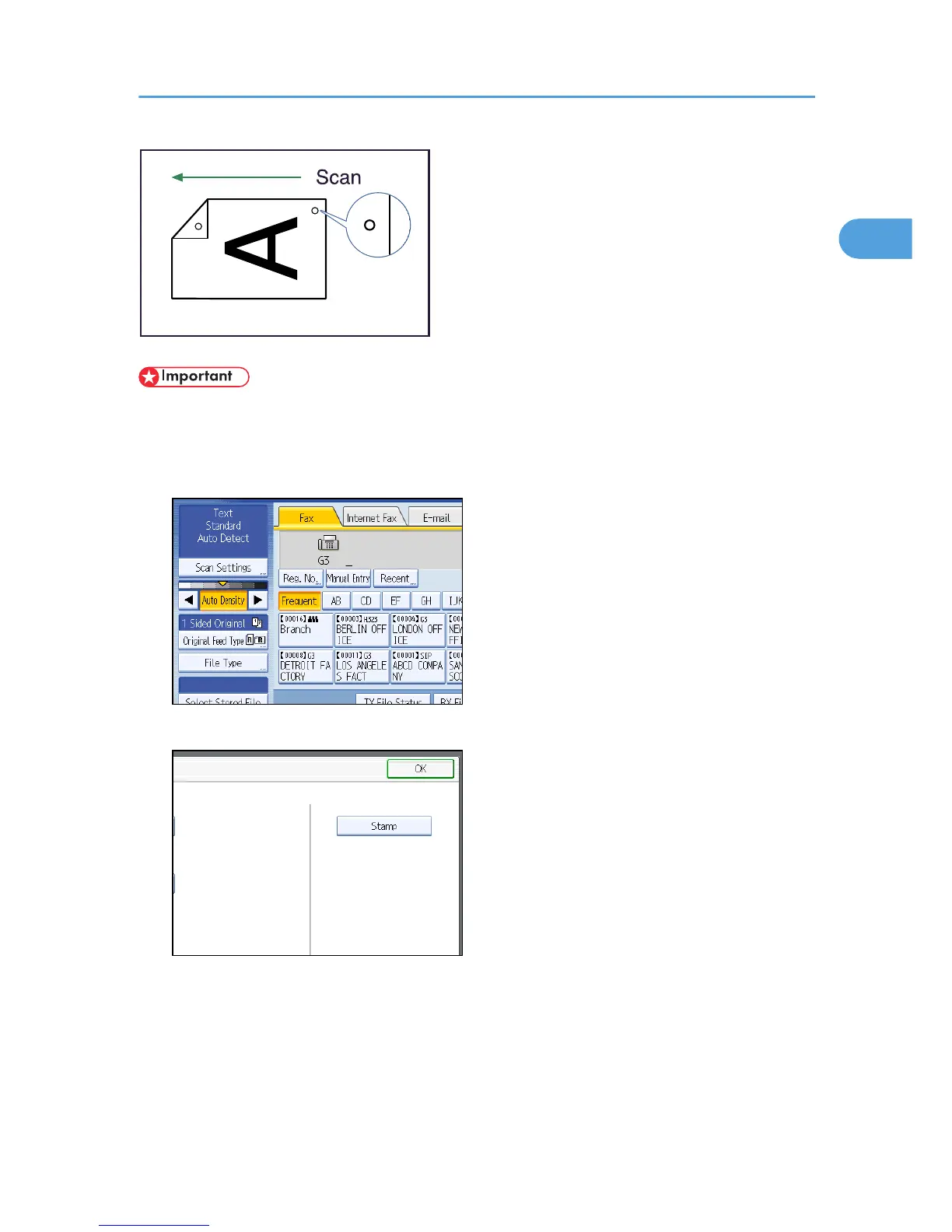
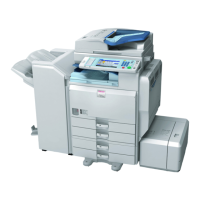
• To use this function, the optional ADF is required. Stamp only works when scanning from the ADF.
1. Place the original, and then select the scan settings you require.
2. Press [Original Feed Type].
3. Press [Stamp].
To cancel the stamp, press [Stamp] again before pressing [OK].
4. Press [OK].
5. Specify the destination, and then press the [Start] key.
Placing Originals
55



 To Next Page