Changing the Paper Size
85
5
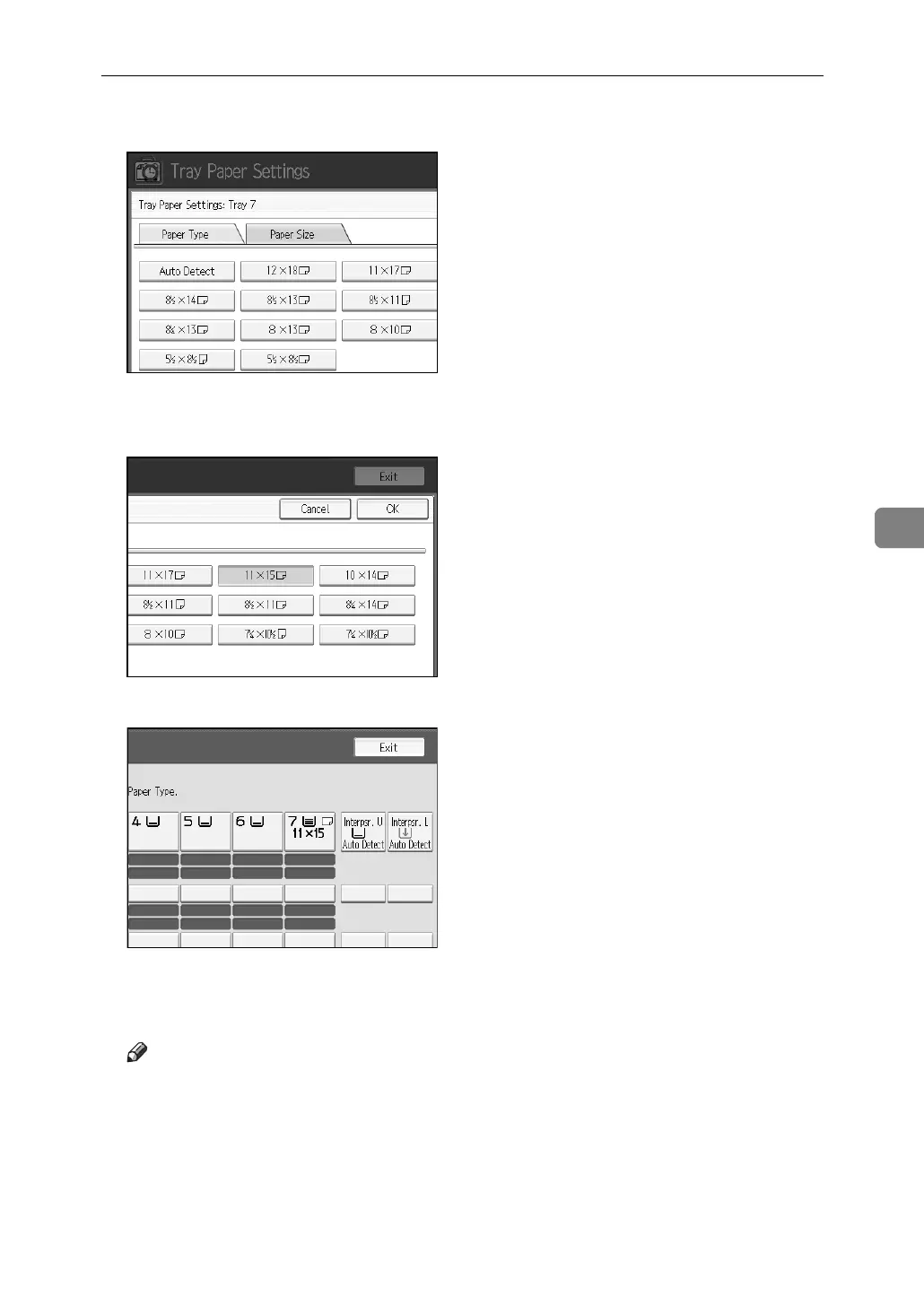
C Press [Paper Size] tab.
D Select a combination of the specified paper size and orientation, and then
press [OK].
The paper size and orientation appear.
E Press the {Tray Paper Setting} key.
The initial display is shown.
Note
❒ If you want to print on paper that is selected automatically after printing
on a paper size that is not selected automatically, you must return the set-
ting to “Auto Detect”. Reload the paper, select “Auto Detect” in step
D
. The
setting is returned to “Auto Detect”.



 To Next Page