4. Appendix: Machine Swap
Exchange and Replace Procedure
If the machine exchange and replacement is required, arrange to send a machine without the four print
cartridges (AIO) to the customer site.
Instruction
Instruct the customer to do the following procedure.
Before the substitute machine gets to the customer site
• Print the configuration page.
When the substitute machine gets to the customer site
1. Remove the four print cartridges (AIO) from the problem machine.
2.
Install the four print cartridges (AIO) into the substitute machine.
3. Input the customer settings which are printed on the configuration page by using the "Menu" on the
operation panel.
4. Send back the problem machine to the repair center.
Cleaning Points after Machine Arrival at Depot
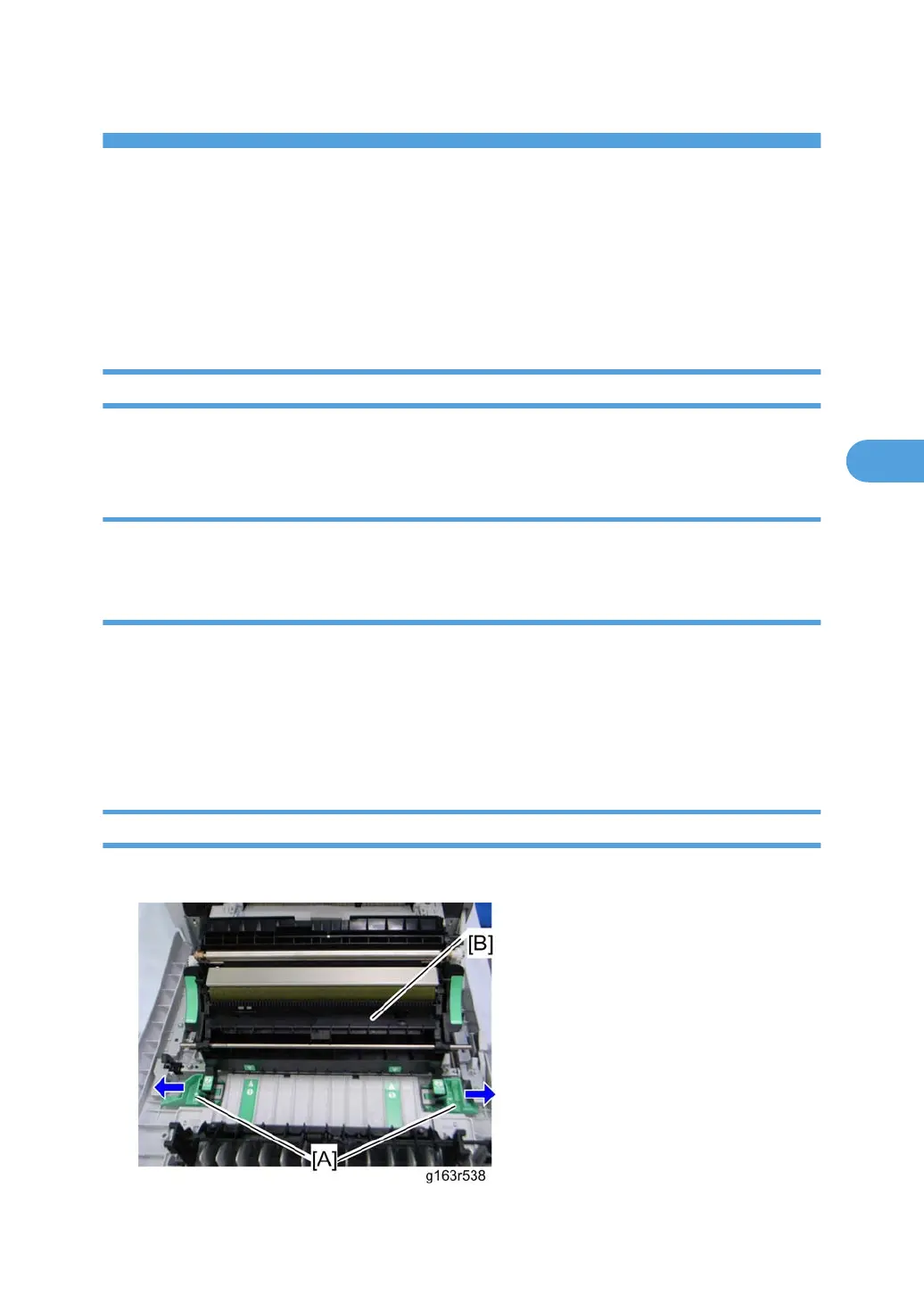
1. Open the front cover.
119




 To Next Page