12. Lower right cover
Open this cover when a paper jam occurs.
13. Right cover
Open this cover when a paper jam occurs.
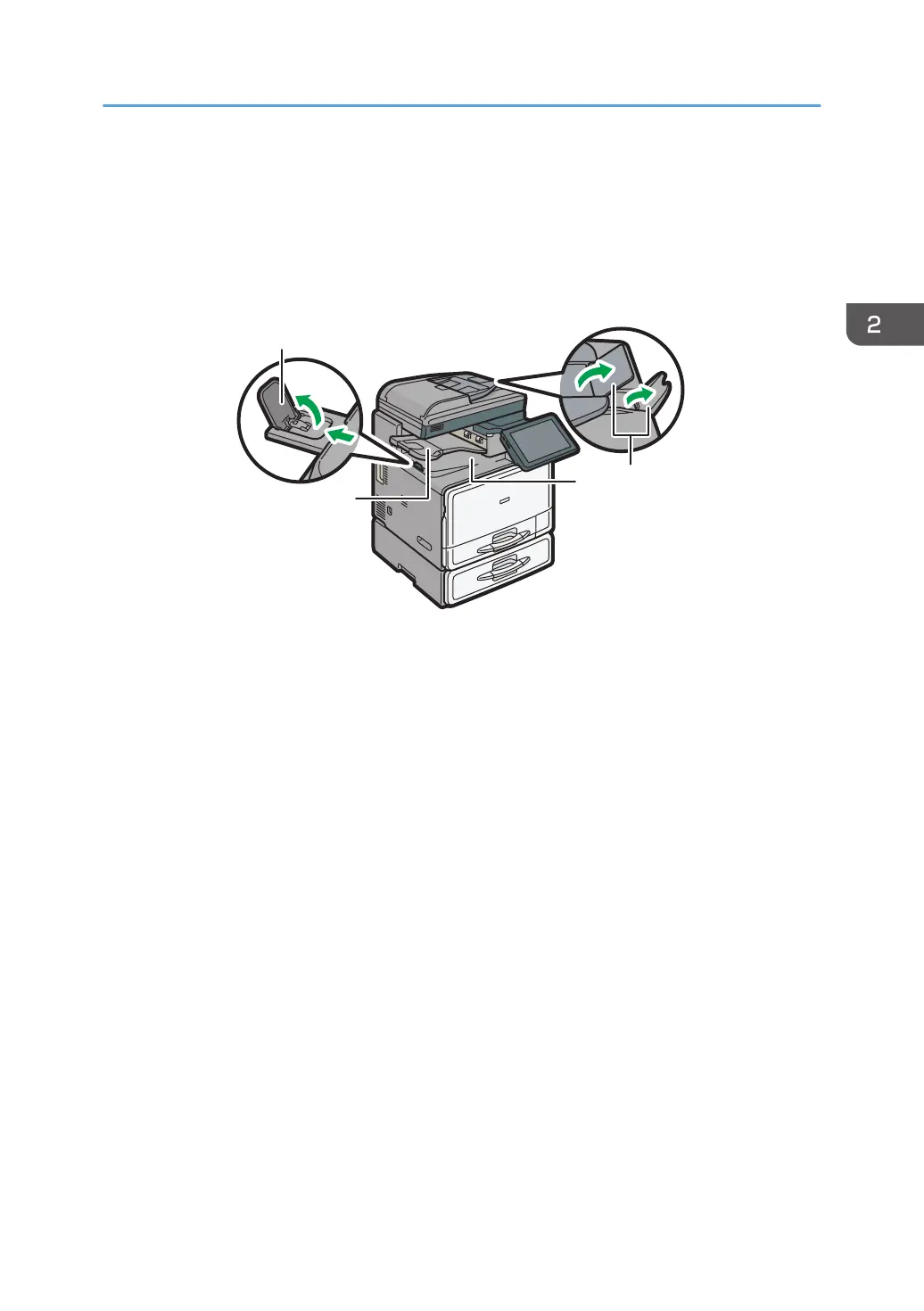
Front and left view
1. Internal tray guide
Open out and raise the end fence to support large paper.
2. Internal tray 2
If you select this as the output tray, copied/printed paper or fax messages are delivered here face down.
3. Internal tray
Copied/printed paper and fax messages are delivered here.
4. ADF's extenders
Raise these extenders to support large paper.
Guide to Names and Functions of Components
31













 To Next Page