2 Sided 4 Pages Combine 1 Side
Copies two 2-sided originals to one side of a sheet.
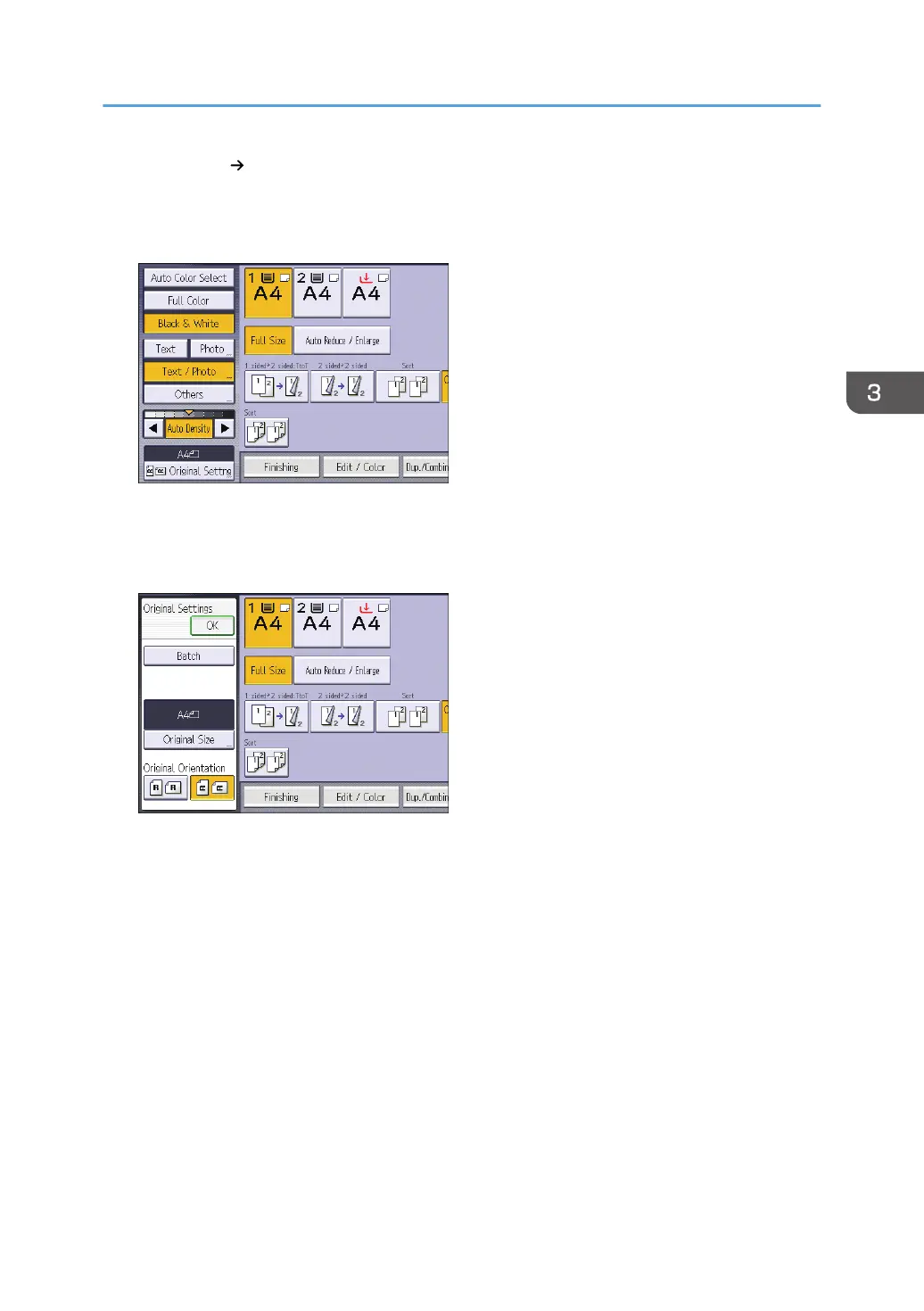
1. Press [Original Settng].
2. Press [Original Size].
3. Specify the original size, and then press [OK].
4. Select original orientation.
5. Press [OK].
6. Press [Dup./Combine/Series].
7. Press [Combine].
8. Select [1 Sided] or [2 Sided] for [Original:].
If you selected [2 Sided], you can change the orientation.
Combined Copying
71













 To Next Page