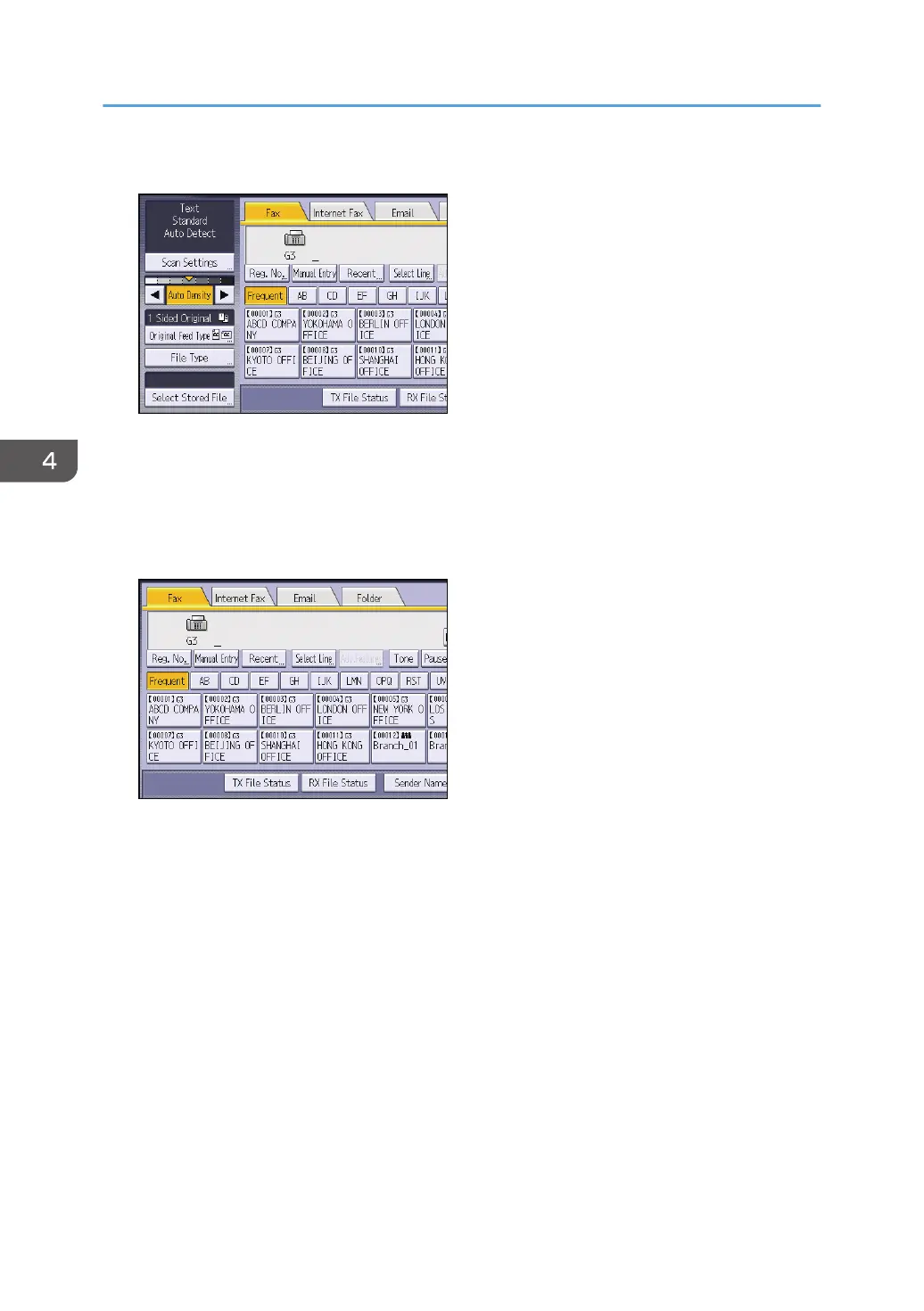
6. Make the scan settings such as scan size and resolution.
7. Configure the transmission settings such as [TX Mode] as necessary.
8. Specify a destination.
You can enter the destination's number or address directly or select from the Address Book by
pressing the destination key.
If you make a mistake, press [Clear], and then enter again.
9. When sending the same original to several destinations (broadcasting), specify the next
destination.
10. If you send documents to Internet Fax or e-mail destinations or enable the Email TX
Results function, specify a sender.
11. Press [Start].
4. Fax
82













 To Next Page