Displays the machine number and contact number that are required for service.
• [Sales Representative]
Displays the sales representative's telephone number.
• [Supply Order]
Displays the contact number for placing orders for supplies.
• [Supply Details]
Displays the types of toner, staples, and other supplies for this machine.
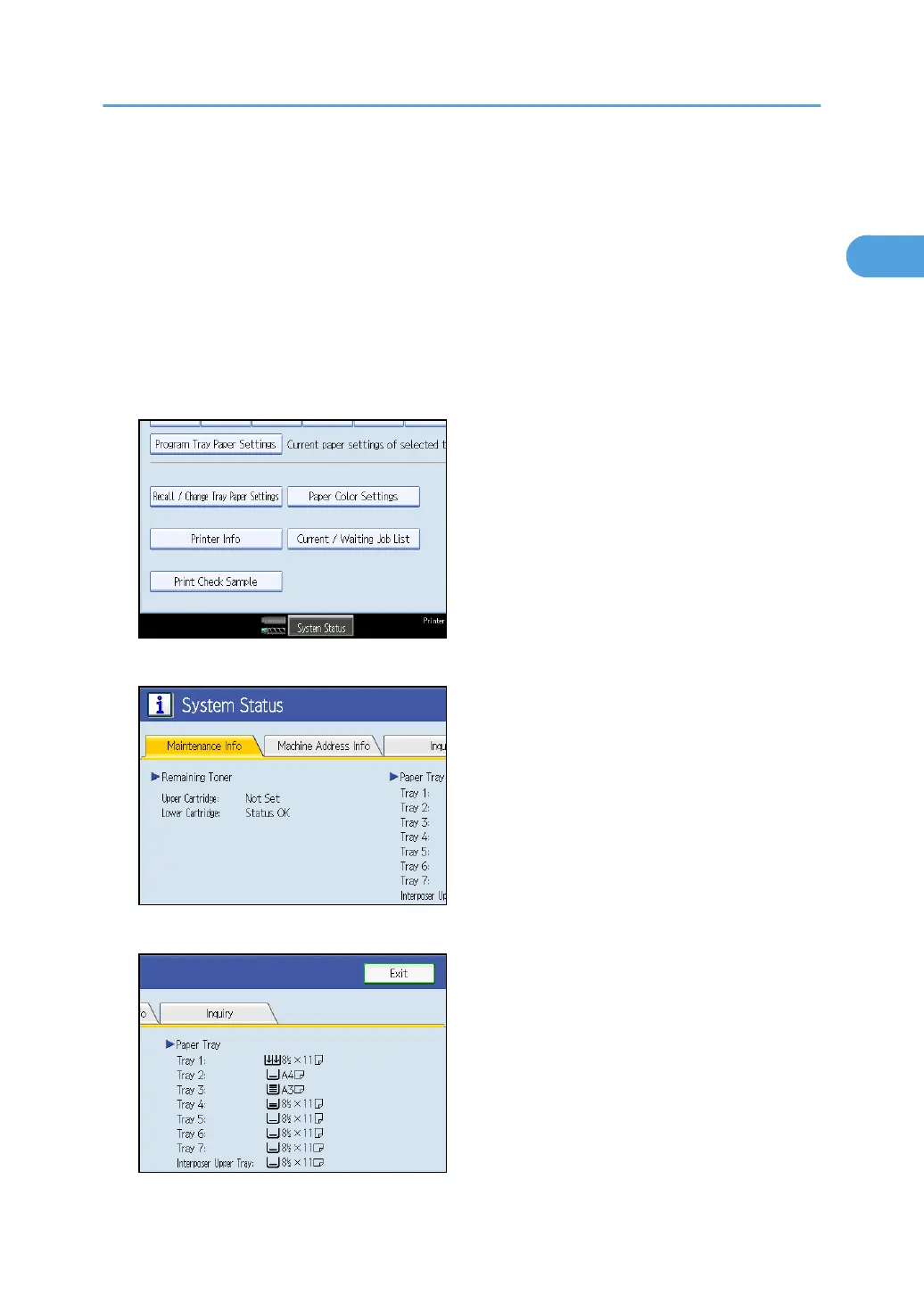
1. On the control panel, press [System Status].
2. Press each tab and check the contents.
3. After checking the information, press [Exit]. The previous screen returns.
Checking Machine Status and Settings
13







 To Next Page