When Z-folded Paper Is Not Properly Aligned
Install the auxiliary Z-fold support tray if Z-folded prints are not output tidily.
When Using the Finisher Shift Tray
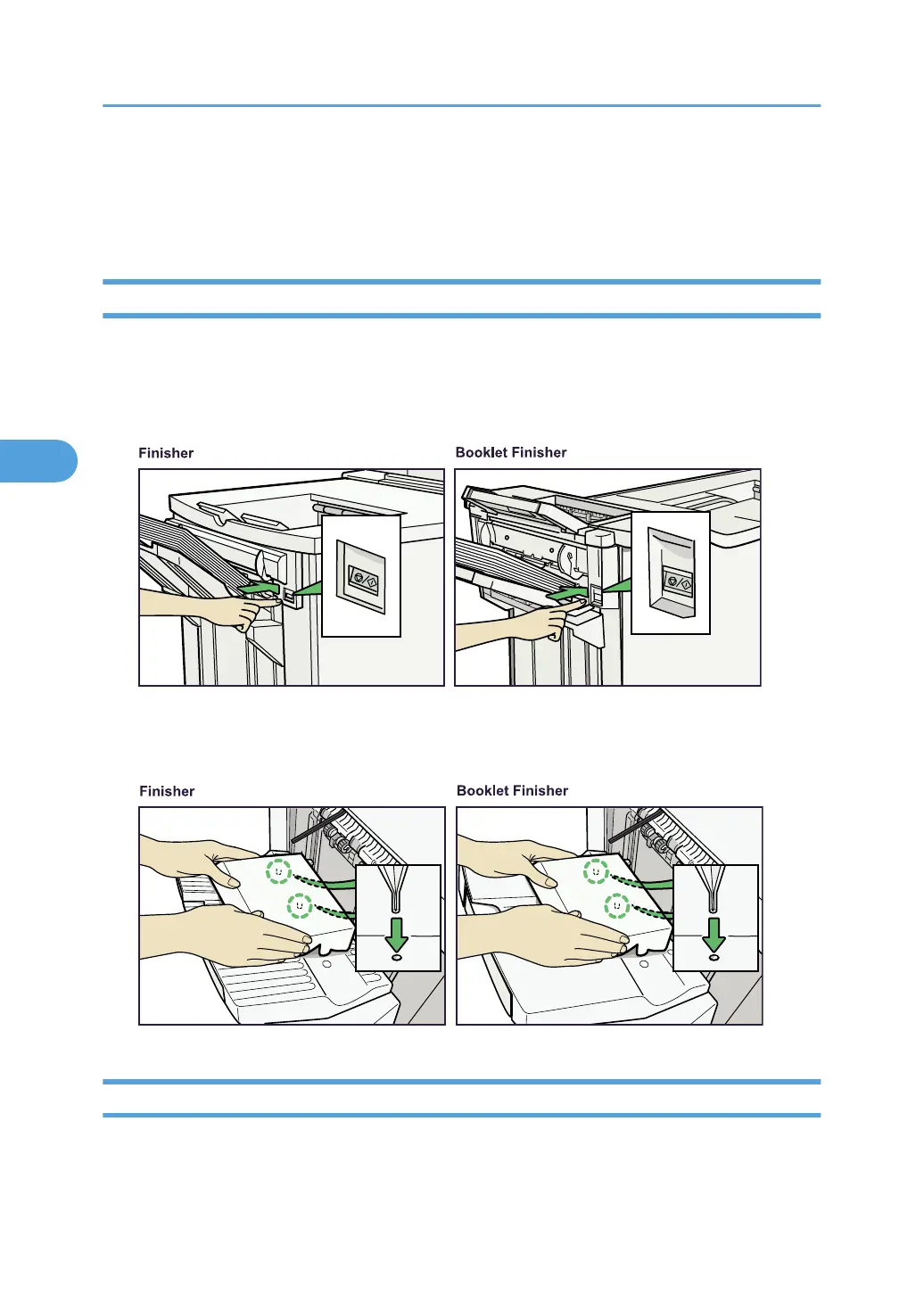
Use the following procedure to attach the Z-fold support tray for Finisher to the Finisher Shift Tray.
1. Press the [Suspend/Resume] key.
The key lights and printing stops.
2. Remove the prints.
3. Attach the Z-fold support tray to the Finisher Shift Tray.
When Using the Folding Unit Tray
Use the following procedure to attach the large Z-fold support tray for Folding Unit to the Folding Unit Tray.
4. Appendix
78






 To Next Page