Removing Punch Waste
This section describes how to remove punch waste.
• While "Hole Punch Receptacle is full." is displayed, you cannot use the punch function.
• "Hole Punch Receptacle is full." is displayed until the punch waste box is reinstalled.
• If the message is still displayed, reinstall the punch waste box.
• If the message is still displayed, reinstall the receptacle.
Finisher
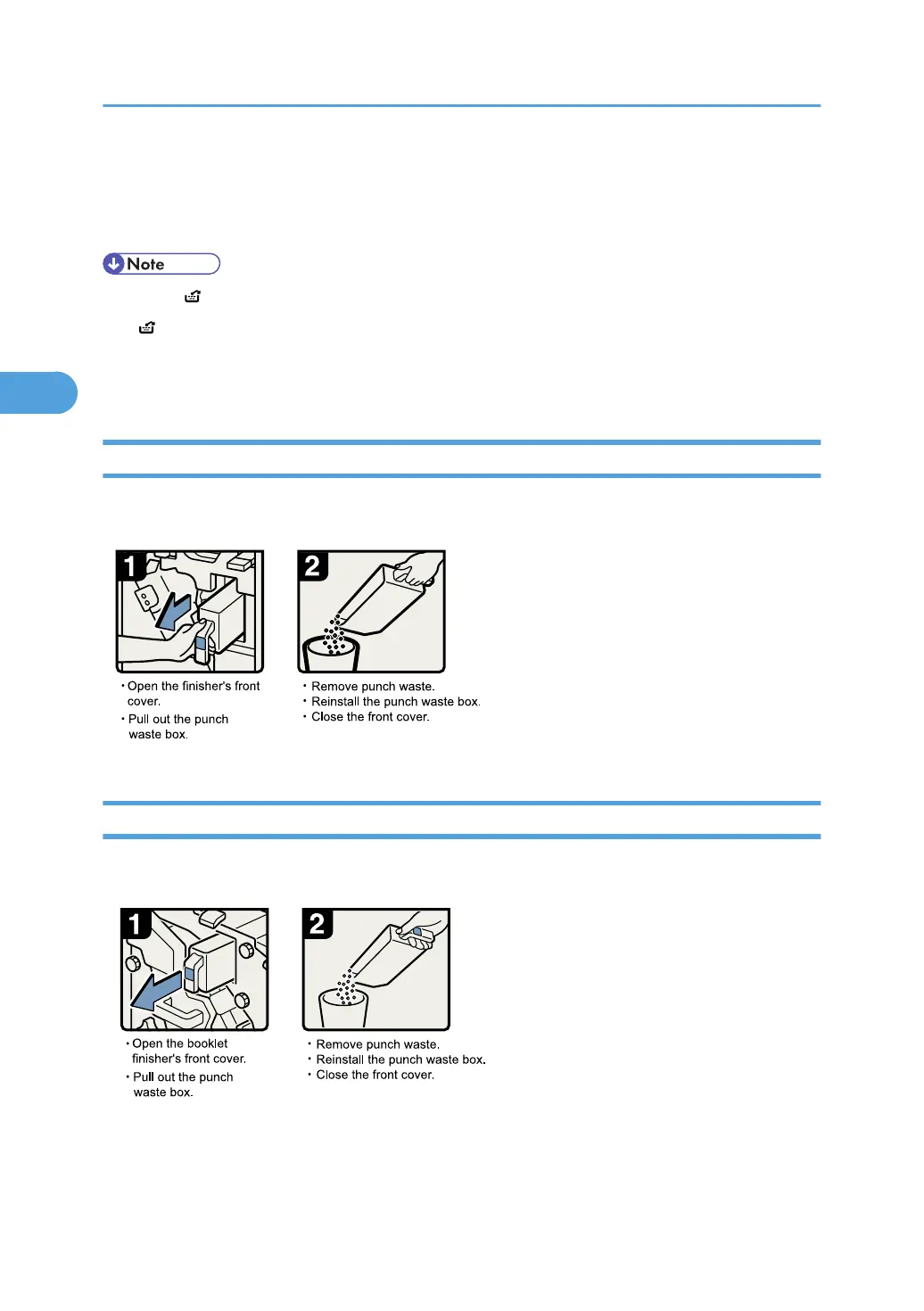
Use the following procedure to remove punch waste from the Finisher.
Booklet Finisher
Use the following procedure to remove punch waste from the Booklet Finisher.
3. Clearing Misfeeds
72







 To Next Page