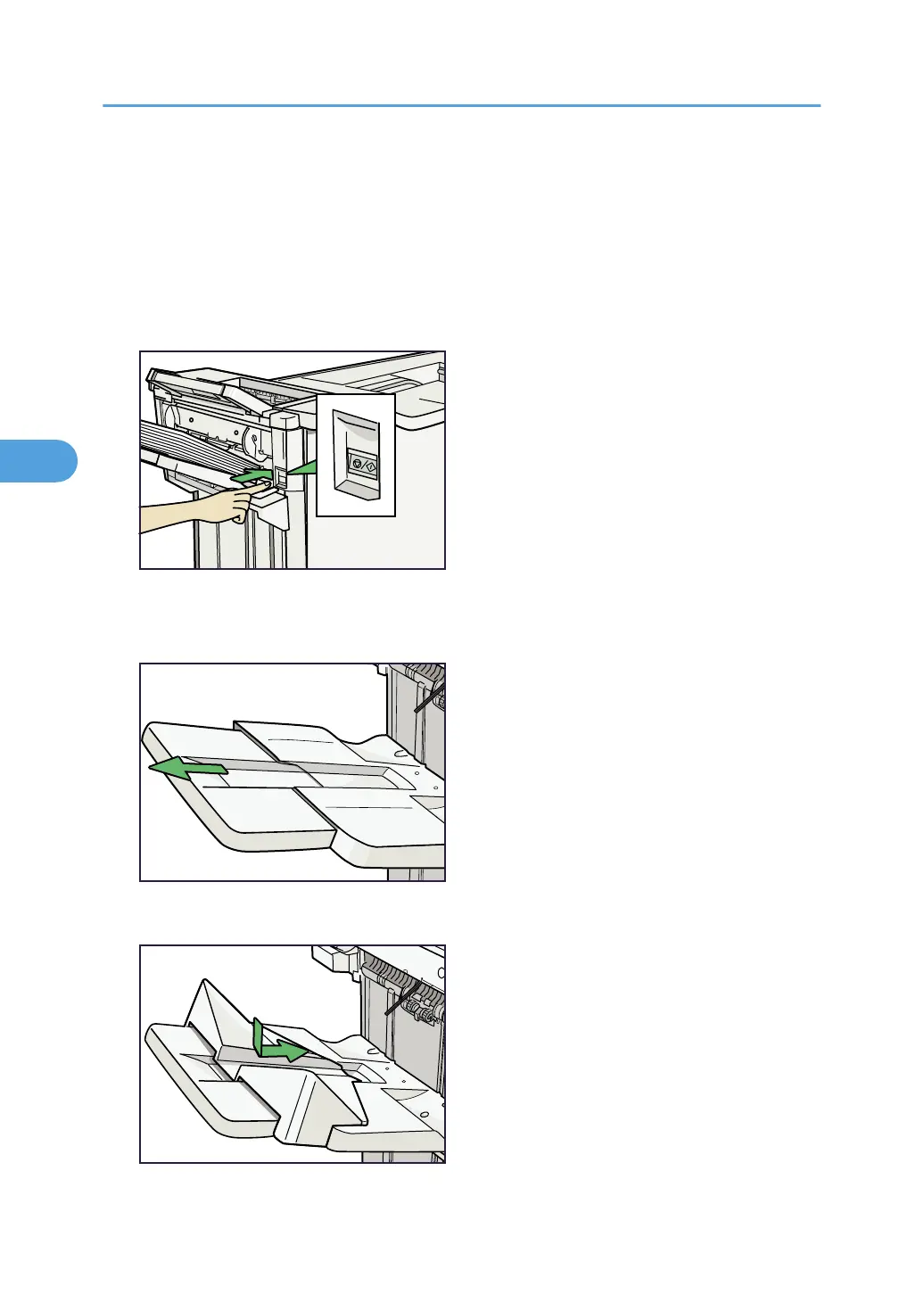
When Large Size Paper is Not Properly Aligned
Use the following procedure if a large sheet (B4, 8
1
/
2
" × 14", or larger) becomes misaligned or falls from
the booklet finisher.
1. Press the [Suspend/Resume] key.
The key lights and printing stops.
2. Remove the prints.
3. Pull out the Finisher Shift Tray's extension.
4. Set the auxiliary coated paper tray for the Finisher Shift Tray.
4. Appendix
82







 To Next Page