95
Various Shooting Functions
1
4
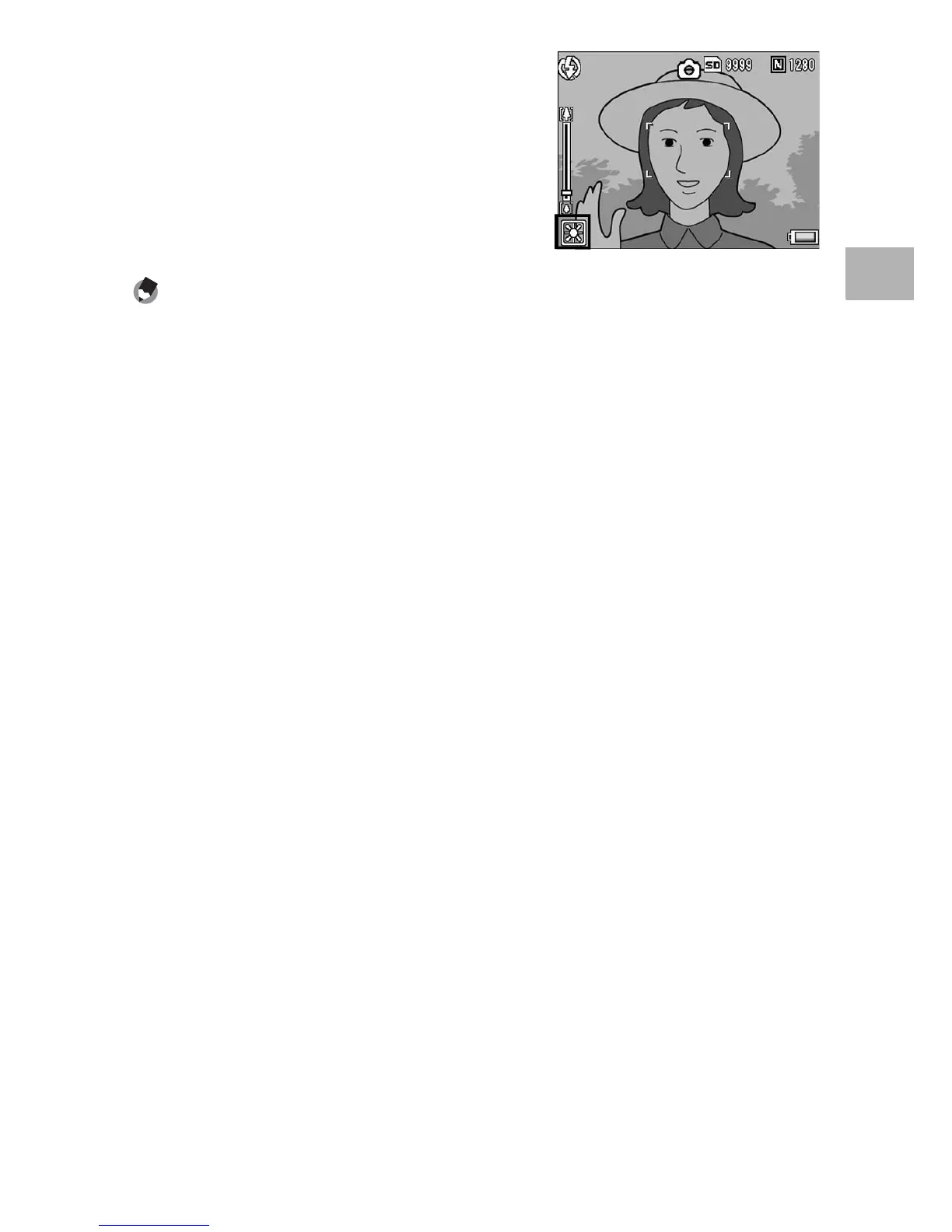
Press the ADJ./OK button.
• The symbol appears on the screen.
Note ----------------------------------------------------------------------------------------------
• The white balance may not be adjusted correctly for a subject that is mostly dark. In
this case, add something white to the subject.
• When shooting with the flash, the white balance may not be adjusted correctly if
[AUTO] is not selected. In this case, switch to [AUTO] to shoot with the flash.



 To Next Page