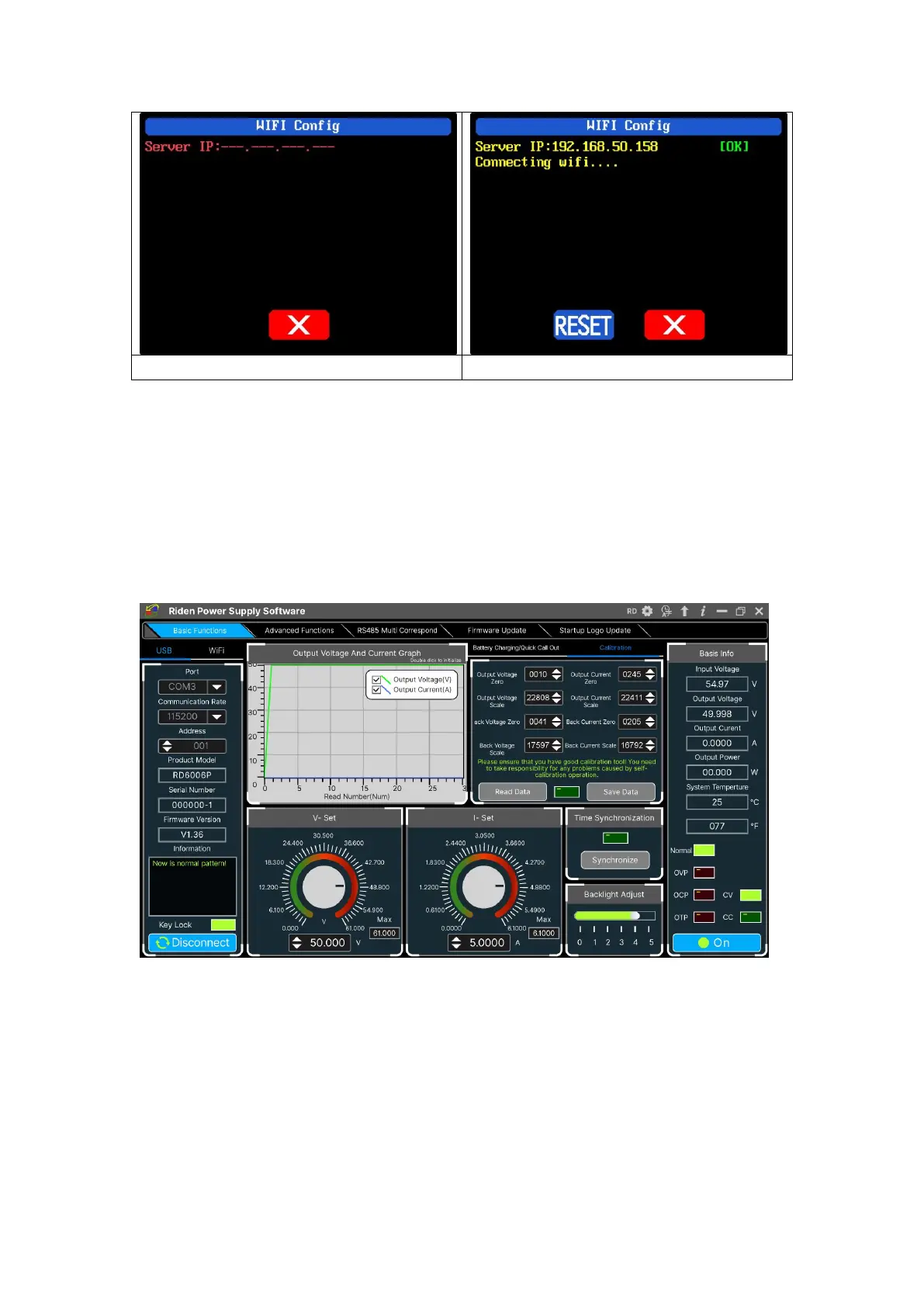
4.2.2 PC Software Operation Instruction
Choose the right communication port, baud rate, slave address (default 001),
click “CONNECT” to start communication. If the communication succeeds, the power
supply button will be locked automatically, the buttons will automatically unlock
after 3 seconds of accidental disconnection, and the “CONNECT” turns to
“DISCONNECT”; Click “ON” to turn on the output of the power supply, and it will
turn to “OFF”.
4.3 Functions Introduction
The PC software interface mainly has basic functions, firmware upgrade, Logo
upgrade, version update detection and language setting...



 To Next Page