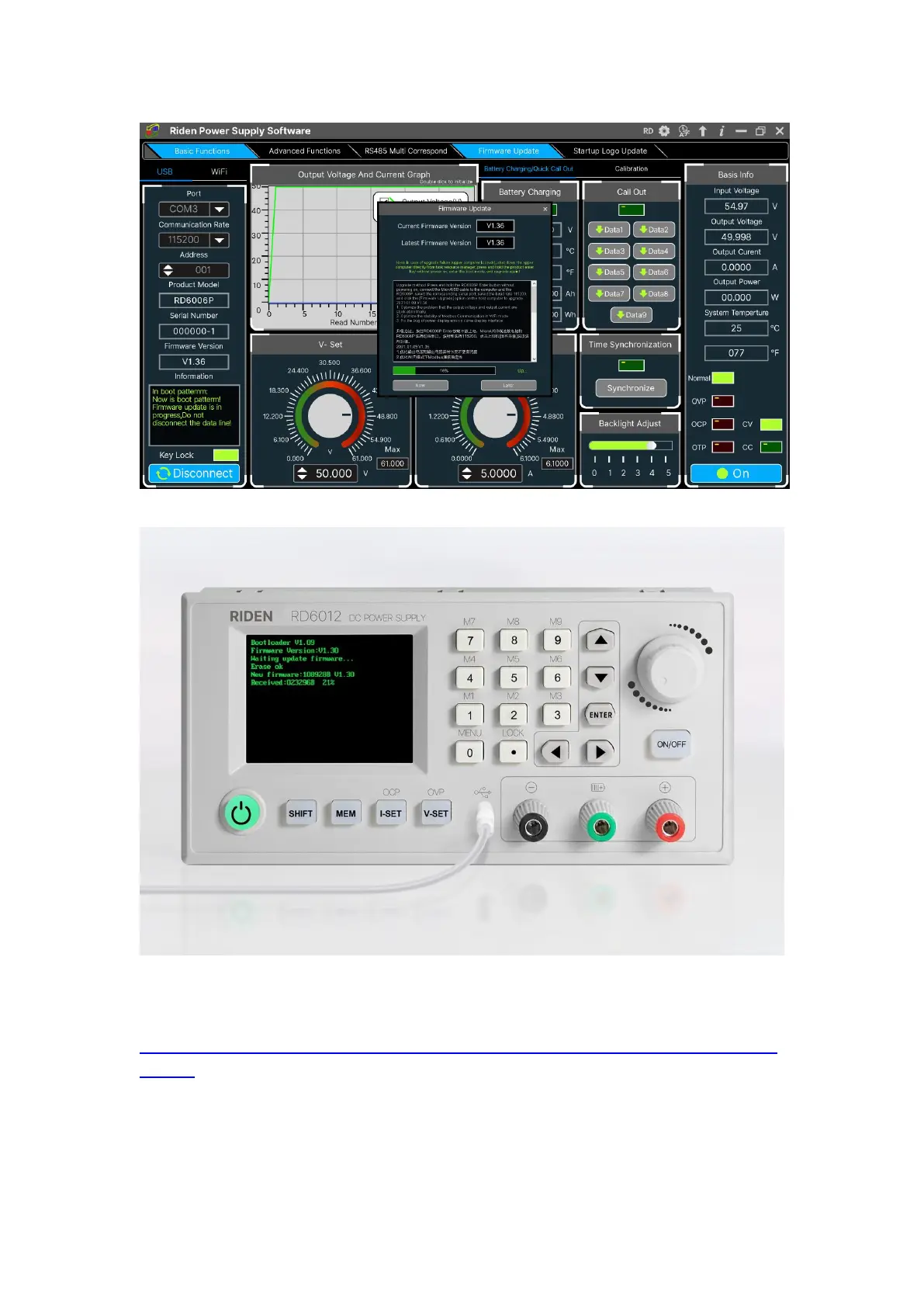
During the firmware upgrade process, the interface is displayed as follows:
4.3.6 Boot Logo Update
Boot logo setting video:
https://drive.google.com/drive/folders/1J0iOyxZ8DSJaDQD2xgrlukBwJBELQBzf?usp=
sharing
Click “Start Logo Update”, a Logo upgrade prompt will pop up on the page,
please select a picture with a size of 320x240 and a resolution of 96dpi. Some logo
samples can be used in the installation package.



 To Next Page