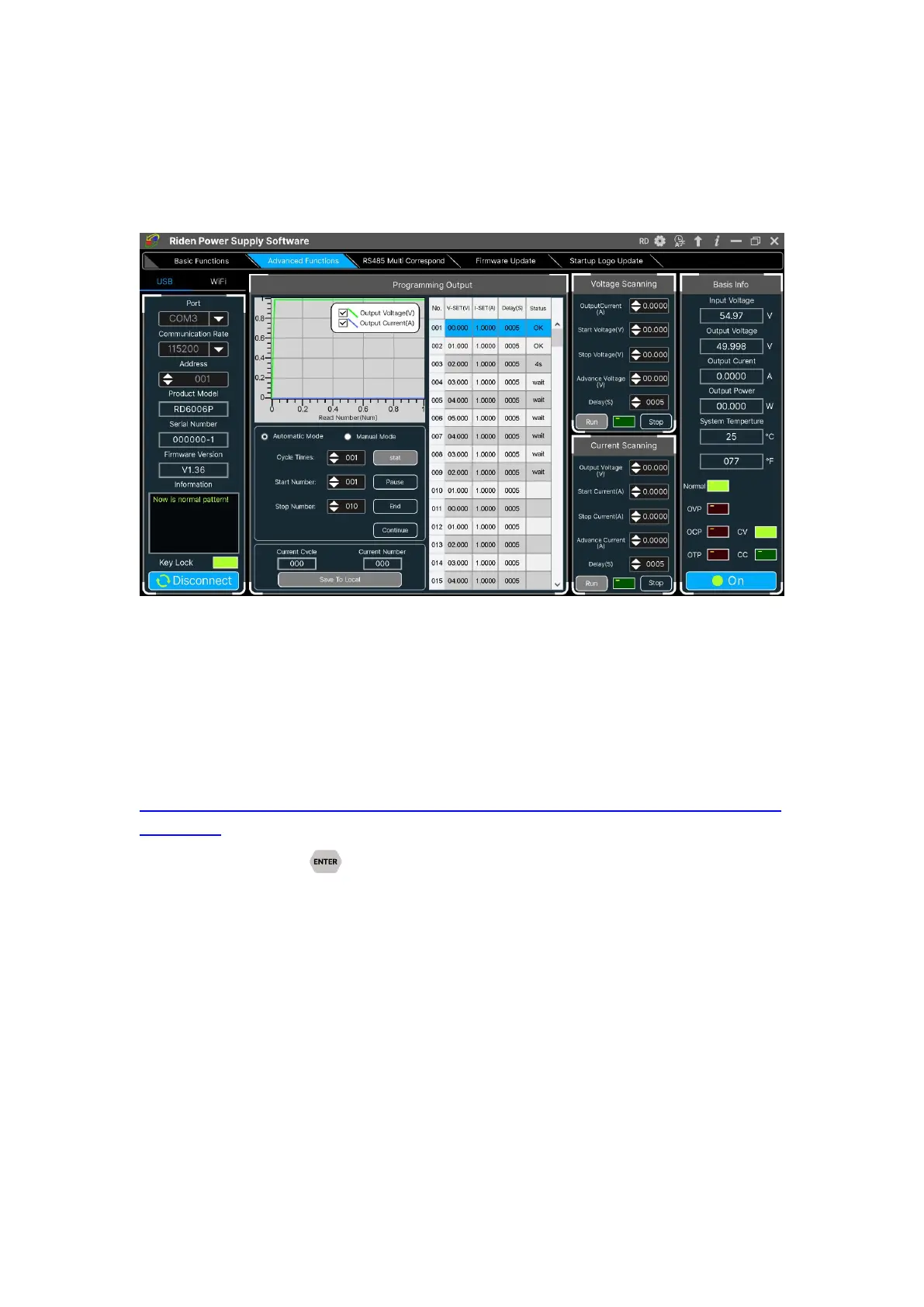
You can set the output voltage and current by chart in the advanced function page,
you can set every step between 1 and 9999 seconds, you can set 200 steps max, it
can output automatically or manually. You cannot choose other operation page when
it performs programming output or other operations, you can only switch other page
when it ends.
4.3.4 RS485 Multiple Devices Communication
Coming soon
4.3.5 Firmware Update
Firmware update operation video:
https://drive.google.com/drive/folders/19A8Rha_sWYuJ6nMGB7S9S7LuoNepe4by?u
sp=sharing
Press and hold and power on RD6006P, enter the boot mode, then
connect it to computer, there will be “boot mode” in the mode information text box,
then click “Firmware Update”, a firmware update prompt will pop up on the
interface, and click “Now” to upgrade. (You can update the firmware under the
normal mode, if it cannot be started up normally, you should press and hold the
“ENTER” button and power on, update it under boot mode. It doesn’t support
firmware update under WiFi connection mode).



 To Next Page