26
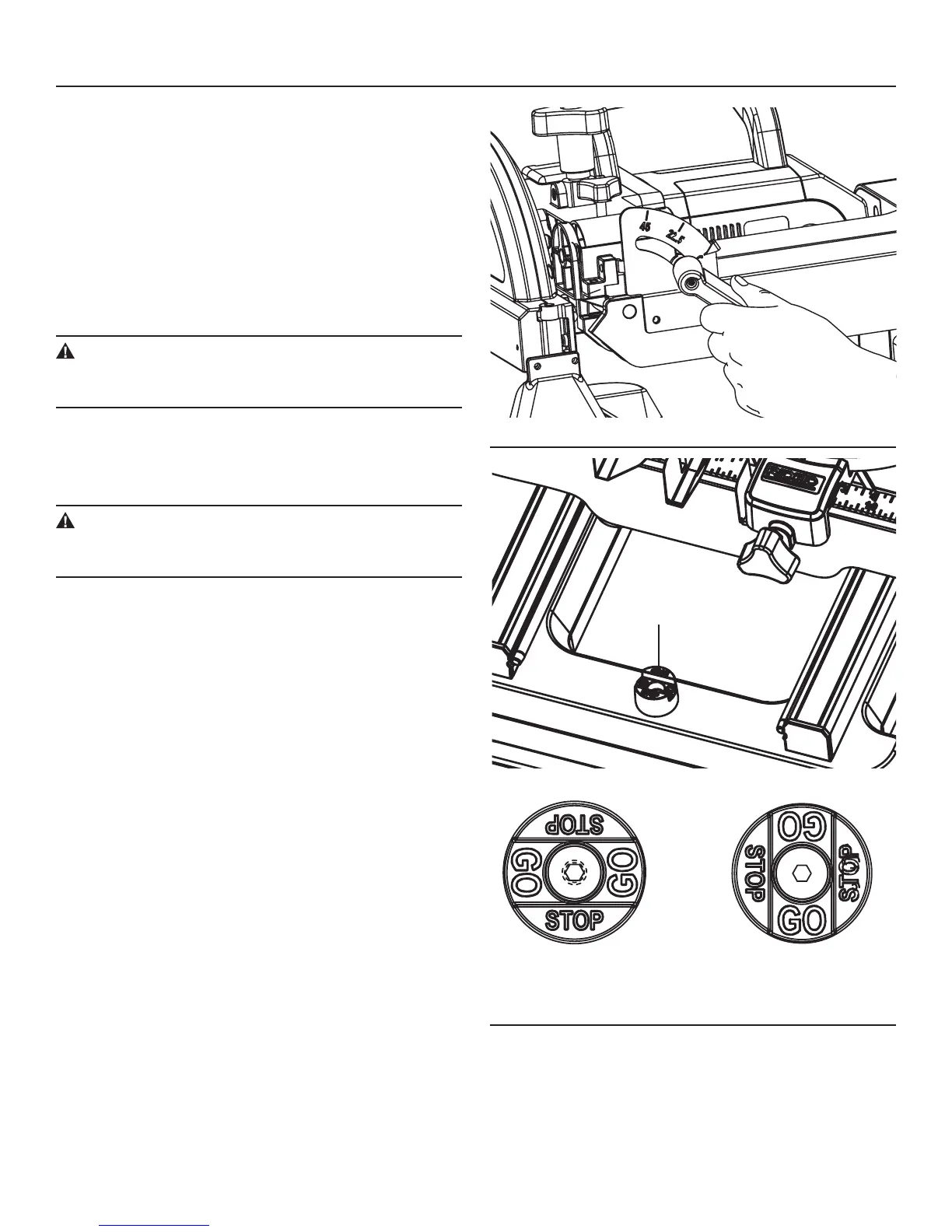
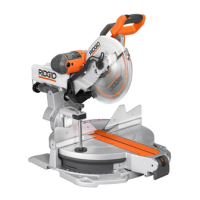
Bevel Cut Adjustment (Fig. 32)
The saw is adjustable to three bevel angles: 0°, 22.5°, and
45°. The three grooves in the work table accommodate the
three bevel-cut positions. When tilting the saw to 22.5° or
45°, the 22.5°/45° bevel indicator will be turned on.
1. Loosen the bevel-cut-adjustment knob in the rear of the
saw.
2. Tilt the saw to the desired angle (0°, 22.5° or 45°). Tight-
en the bevel-cut-adjustment knob.
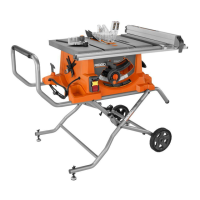
Work Table Stop/Go Adjustment (Fig. 33)
CAUTION:
Make sure the “Stop/Go” knob is in the “STOP” position
before operating, moving, or transporting the saw.
Turn the knob to the “GO” position, and the work table can
be slid off the rails for transport or storage. Turn the knob to
the “STOP” position, and the work table cannot be moved
off of the rails.
WARNING:
To avoid injury, take care when removing the work table
from the rails.
ADJUSTMENTS
Fig. 32
Stop Position Go Position
Fig. 33



 To Next Page