EasyManua.ls Logo

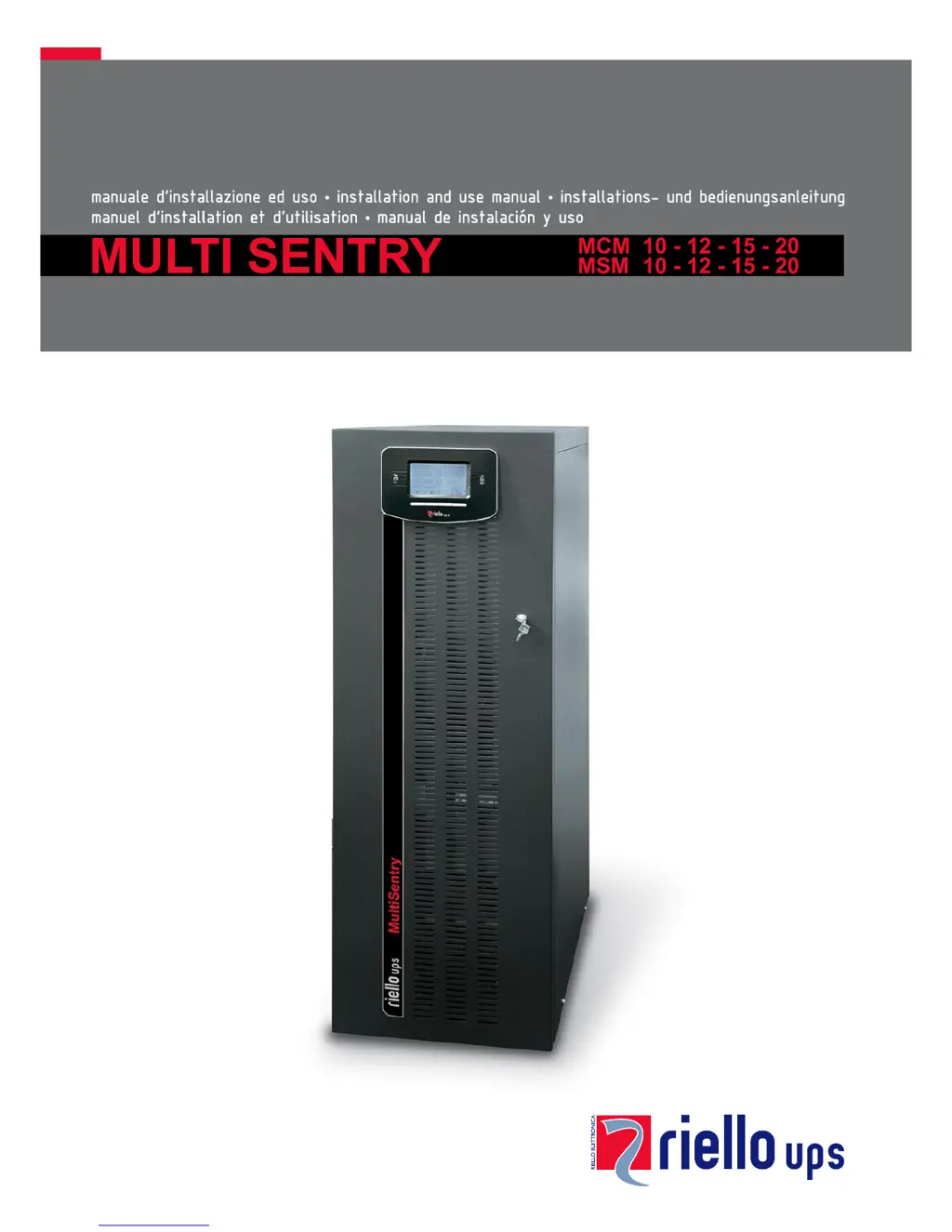
Riello MSM 20 - User Manual

Riello MSM 20
59 pages
Print Icon
To Next Page IconTo Next Page
Loading...

Table of Contents

Questions and Answers

  • R
    rileyvictoriaAug 27, 2025
    What does it mean when my Riello MSM 20 displays A39 or A40 and the battery replacement LED is on?
    • M
      mcgrathseanAug 27, 2025
      If the Riello UPS display shows one or more of the following codes: A39, A40, and the red “batteries to be replaced” LED is on, it indicates that the batteries have failed the periodic efficiency test. The batteries should be replaced by qualified personnel because they are no longer able to maintain the charge for a sufficient time.
  • K
    kirstenhayesAug 26, 2025
    How to fix Riello UPS not switching to standby mode?
    • S
      Samuel MurrayAug 27, 2025
      If your Riello UPS is connected to the mains but doesn't switch to standby mode, it could be due to several reasons. First, check the connection to the input terminal, ensuring it follows the installation instructions. A missing neutral connection can also cause this issue; the UPS cannot operate without it, and its absence could cause damage. Also, check the 1/0 switch behind the door and set it to 1 (if present) and make sure that the SWIN switch located behind the door is closed. Finally, verify that mains power is available and that no upstream protection device has been triggered. If a protection device has intervened, restore it after checking for overloads or short circuits.
  • C
    Christopher DuncanAug 25, 2025
    What does S07 mean on my Riello UPS display?
    • B
      Brian WrightAug 26, 2025
      If your Riello UPS display shows the code S07, it means the batteries are discharged. The UPS is waiting until the battery voltage rises above the established threshold value. You can either wait for the batteries to recharge or manually force start up from the “START UP” menu.
  • N
    nathangilesAug 23, 2025
    Why is my Riello MSM 20 running on batteries even with mains power?
    • K
      kramosAug 25, 2025
      If the Riello UPS is operating off the batteries even when mains power is available, it could be due to the upstream protection device intervention. In this case, restore the protection, ensuring there is no overload or short circuit on the UPS output. Another reason could be that the input voltage is outside the accepted operating values. If this is the case, wait until the input voltage falls within the tolerance values, and the UPS will automatically switch over to mains power.

Summary

Using the UPS System

Powering On for the First Time

Detailed steps for initial power-up, including checks for errors and setting date/time.

Operating Modes

Description of different operating modes like ON LINE, ECO, SMART ACTIVE, and STAND-BY OFF.

Maintenance Bypass (SWMB)

Procedure for performing maintenance without interrupting power to the load.

Configuring the UPS

User-configurable parameters via the control panel, like language, output voltage, and operating mode.

MCM UPS Views and Connections

View of the MCM Connections

Detailed view of the MCM UPS connection terminals and their functions.

MSM UPS Views and Connections

View of the MSM Connections

Detailed view of the MSM UPS connection terminals and their functions.

Control Panel and Battery Box

View of the Control Panel

Illustration and explanation of the UPS control panel elements and function keys.

UPS Installation Procedures

Internal Batteries

Safety precautions and guidelines for handling internal UPS batteries.

UPS and Battery Box Removal

UPS Installation and Connections

Installing the UPS and the Battery Box

Guidelines for positioning and securing the UPS and battery box during installation.

Electrical Connections and Protection

Electrical Connections

Diagrams and instructions for connecting the UPS to the electrical system.

Internal Protective Devices of the UPS

Details on isolators and internal fuses protecting the UPS input and output lines.

External Protective Devices

Recommendations for external magnetothermal and differential protection devices.

Connections

General guidelines for connecting the UPS, emphasizing earthing and neutral connections.

Remote Controls and Battery Connection

Connecting the Remote Maintenance Bypass

Instructions for installing a remote maintenance bypass to enable UPS replacement.

Connecting the Battery Box to the UPS

Procedure for connecting the external battery box to the UPS with the power off.

Communication and Software Management

Software Management

Details on monitoring and configuration software for UPS management.

Troubleshooting and Technical Data

Troubleshooting Guide

Guidance on identifying and resolving common UPS operational problems and distractions.

Status; Alarm Codes

Explains UPS status, command, warning, anomaly, and fault codes for diagnostics.

Technical Data

Comprehensive technical specifications of the UPS models.

Riello MSM 20 Specifications

General IconGeneral
Frequency50/60 Hz
Battery TypeVRLA
TechnologyOn-line double conversion
Communication InterfaceRS232, USB
Operating Temperature0-40 °C
Power Rating20 kVA / 18 kW
Battery RuntimeDepending on configuration (typically 10-30 minutes at full load with standard battery)
TopologyOn-line double conversion (VFI-SS-111)

Related product manuals