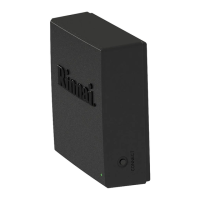
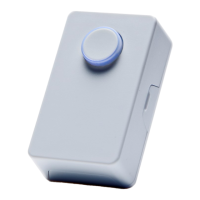
Recirculaon with On-Demand Accessories User Guide
18
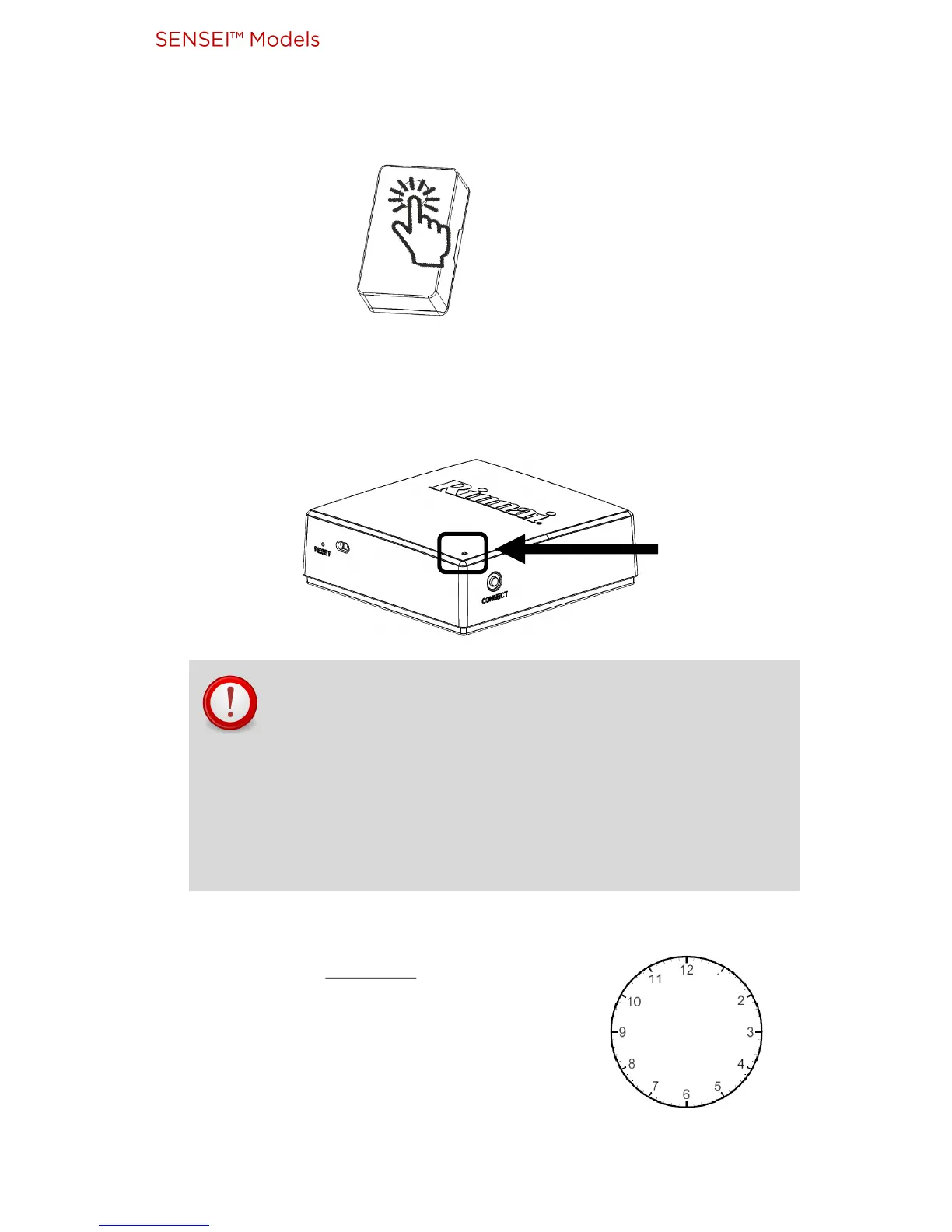
10. Acvate on-demand accessory (press push buon, acvate moon
sensor, etc.).
Module LED quickly blinks GREEN and turns RED.
(This signies communicaon between on-demand accessory and
module.)
RED
IMPORTANT: Aer acvang on-demand accessory
(pressing push buon, acvang moon sensor, etc.),
DO NOT acvate it again unl 5-minute mer is
complete (as explained in next step).
Note: Place moon sensor where it cannot detect
movement.
11. Set a mer for 5 minutes.
(Use any type of mer, such as a watch
or the mer on a smart phone).
While waing, connue with next step.
5


 To Next Page
 Loading...