4 | Evolve 950 Operation Guide: 12472-A
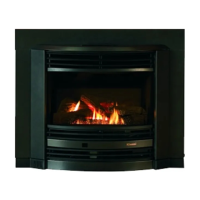
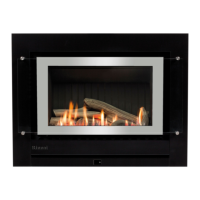
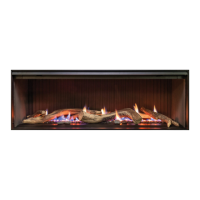
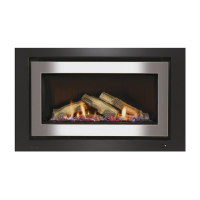
About your Evolve
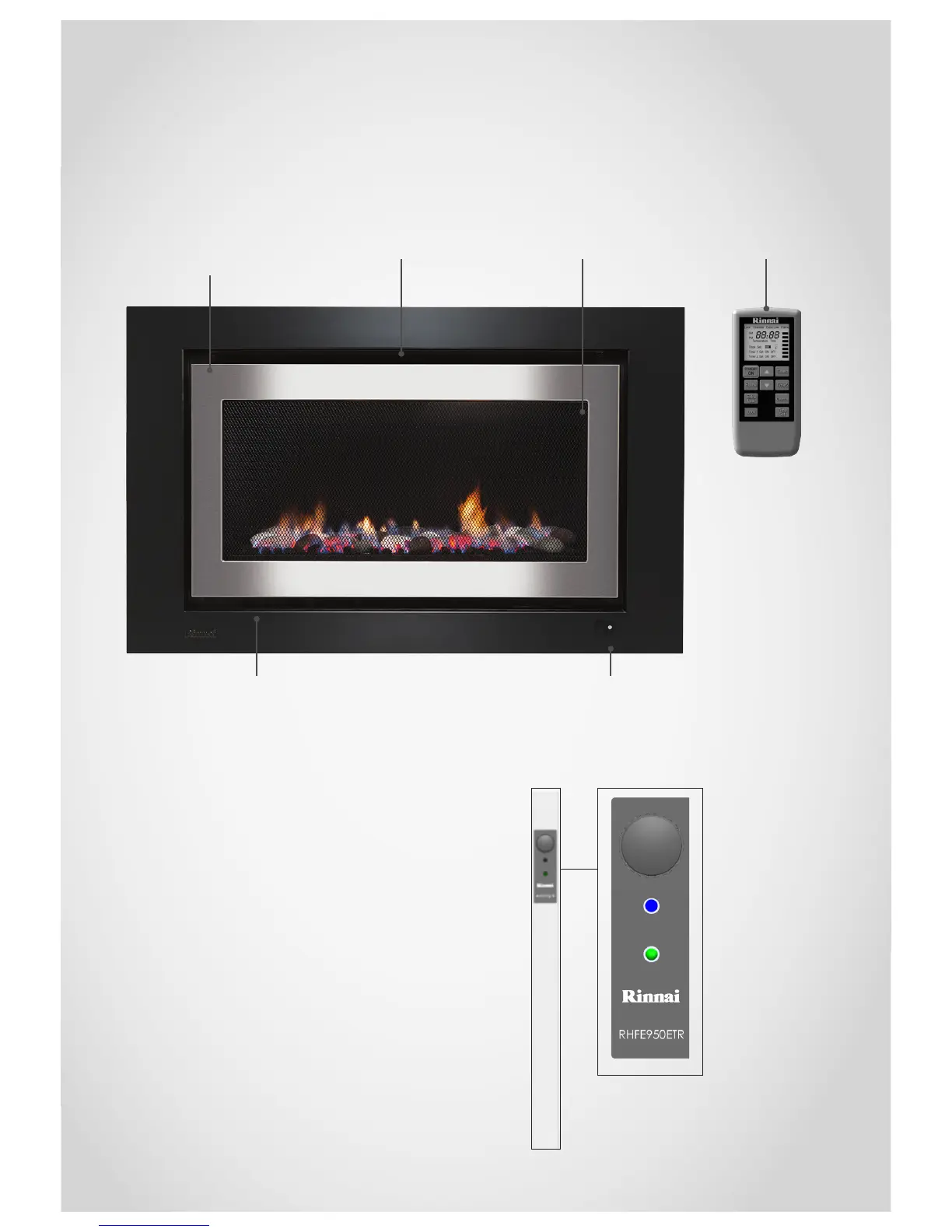
Error display window—sits on the top
fold of the outer frame along with the
filters
Infra-red remote
receiver window
Optional mesh guardWarm air dischargeInterchangeable inner and
outer frames (fascia)
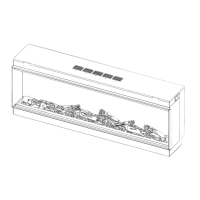
Manual control panel on side of unit
The control panel is located in the top left corner of
the outer frame. The control panel houses the On/
Off button and also the LED indicatorsthese let you
know what the unit is doing. For example:
On = top LED is blue
Standby = top LED is red
Timer on = lower LED is green
Power disruption = lower LED flashes green
Congratulations on the purchase of your Rinnai Evolve gas fireplace. We hope
you love this product as much as we do, and on the off chance that something
does go wrong, or if you need help, we’re only a phone call away.
Remote control



 To Next Page