User Functions and Settings
Page 33
User Code Labels
You can rename the labels that identify users by changing the default labels (User 1, User
2, and so on) to the names of the users themselves.
To enter a user label:
1. Follow steps 1-4 of the previous procedure (See Setting/Changing User Codes)
2. Scroll to Edit Label. Press
.
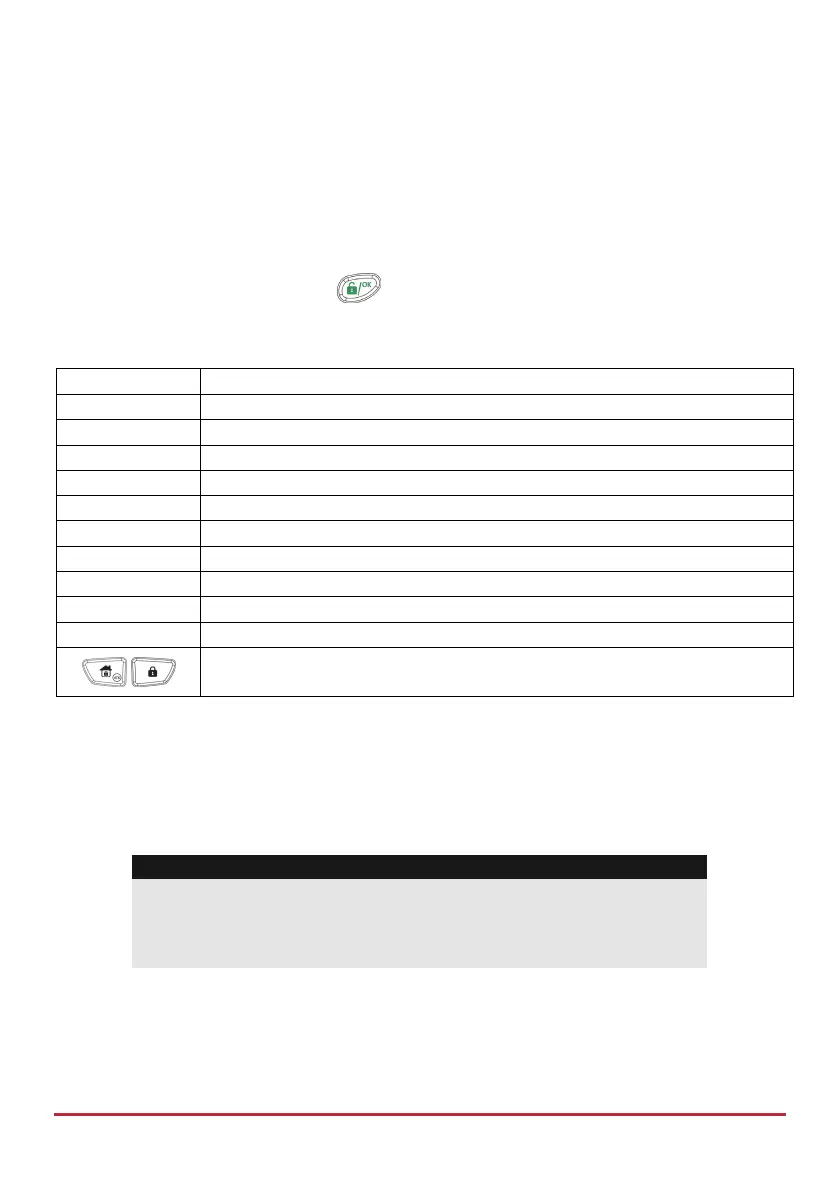
3. Use the keys on the keypad to produce characters according to the table below.
Pressing a particular key toggles between the characters available for that key:
Key Data Sequence
1
1 . , ' ? ! " – ( ) @ / : _ + & * #
2
2 a b c A B C
3
3 d e f D E F
4
4 g h i G H I
5
5 j k l J K L
6
6 m n o M N O
7
7 p q r s P Q R S
8
8 t u v T U V
9
9 w x y z W X Y Z
0
0
Use these keys to toggle forwards and backwards through all the
available characters.
Proximity Tags
The proximity keypad enables you to use a proximity tag to set and unset the security
system or to activate and deactivate home appliances and utilities, such as heating and
lights.
Notes:
Users can define or delete their individual proximity tags. The
grand master can define or delete any user's tag.
Each proximity tag can be assigned to only one user.



 To Next Page