Interior Living Space
Cabinets
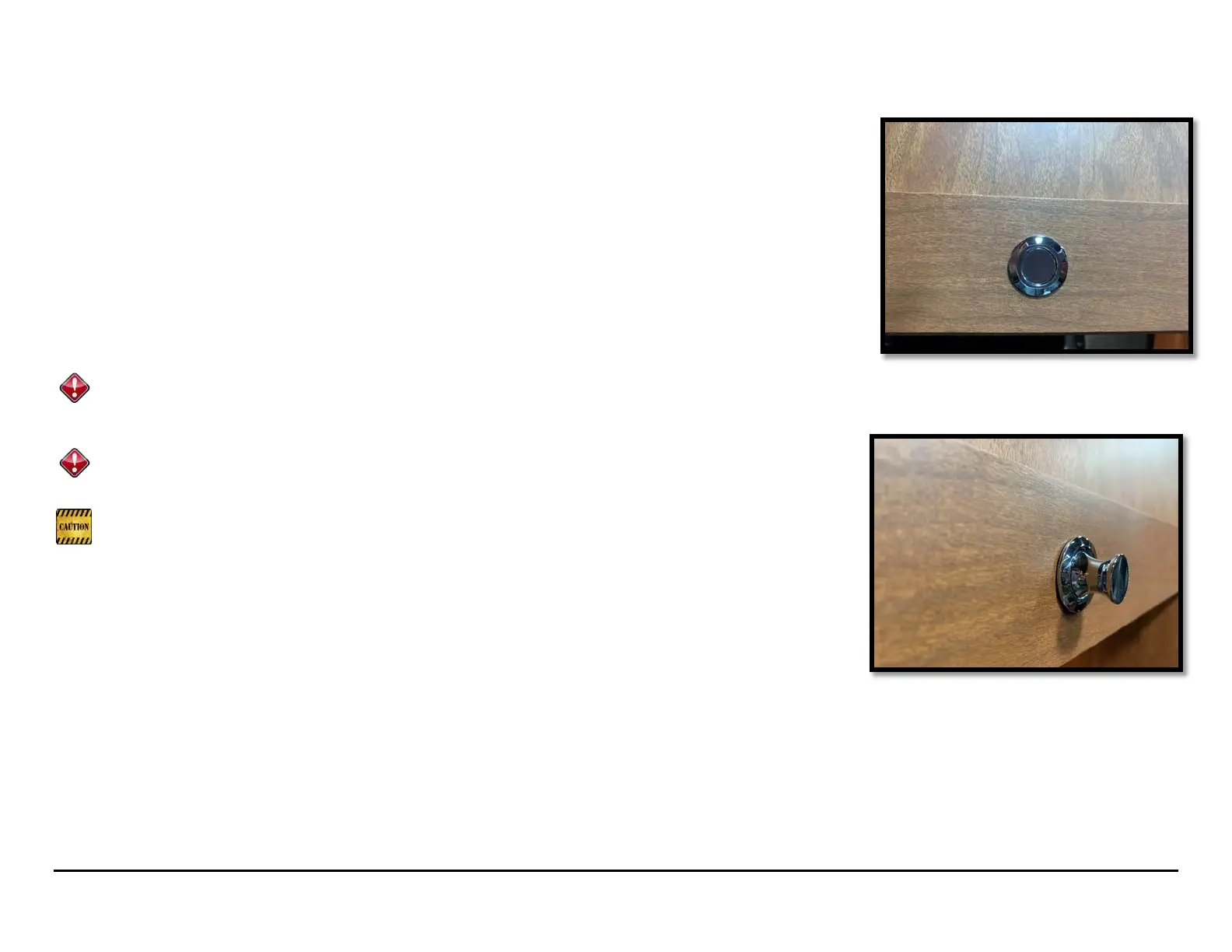
Your Roadtrek is equipped with cabinet latches which prevent the door from opening while the vehicle
is in motion. The pushbuttons on the cabinet latches toggle from latched (button in) to openable (button
out) by pressing the button. (Pictures 13.1, 13.2)
To open a cabinet, press the button to pop the latch, pull gently on the latch, and the cabinet door will
open.
To close a cabinet, make sure the latch is still open (button out), then close the door. Once the cabinet
door is closed, press the latch button in to lock the cabinet.
Do not attempt to close the cabinet doors while the latch button is pressed in. This will
break the latch. Always make sure the button is out before attempting to close a cabinet
door.
Weight in each cabinet should not exceed 50 lbs. Exceeding this weight could cause
the cabinet to break or for the latch to not engage properly.
It is not recommended to keep large, round, and/or heavy objects in a cabinet unsecured as
they may roll around and apply excessive pressure to the inside of the cabinet doors as you
drive. The objects may shift position with vehicle motion and cause injury when the cabinets are
opened. For this reason, Roadtrek Inc. recommends that you are aware of the objects that you
store in overhead cabinets.
If you load a large amount of weight into a cabinet, experience large swings in temperature or humidity,
ride on bumpy roads at high speeds frequently, or sometimes as part of normal wear and tear, the
cabinet hinges may go out of adjustment. You will know the cabinet is out of adjustment when it will not
open with the button out, or not latch with the button in.
Picture 13.1
Picture 13



 To Next Page