42
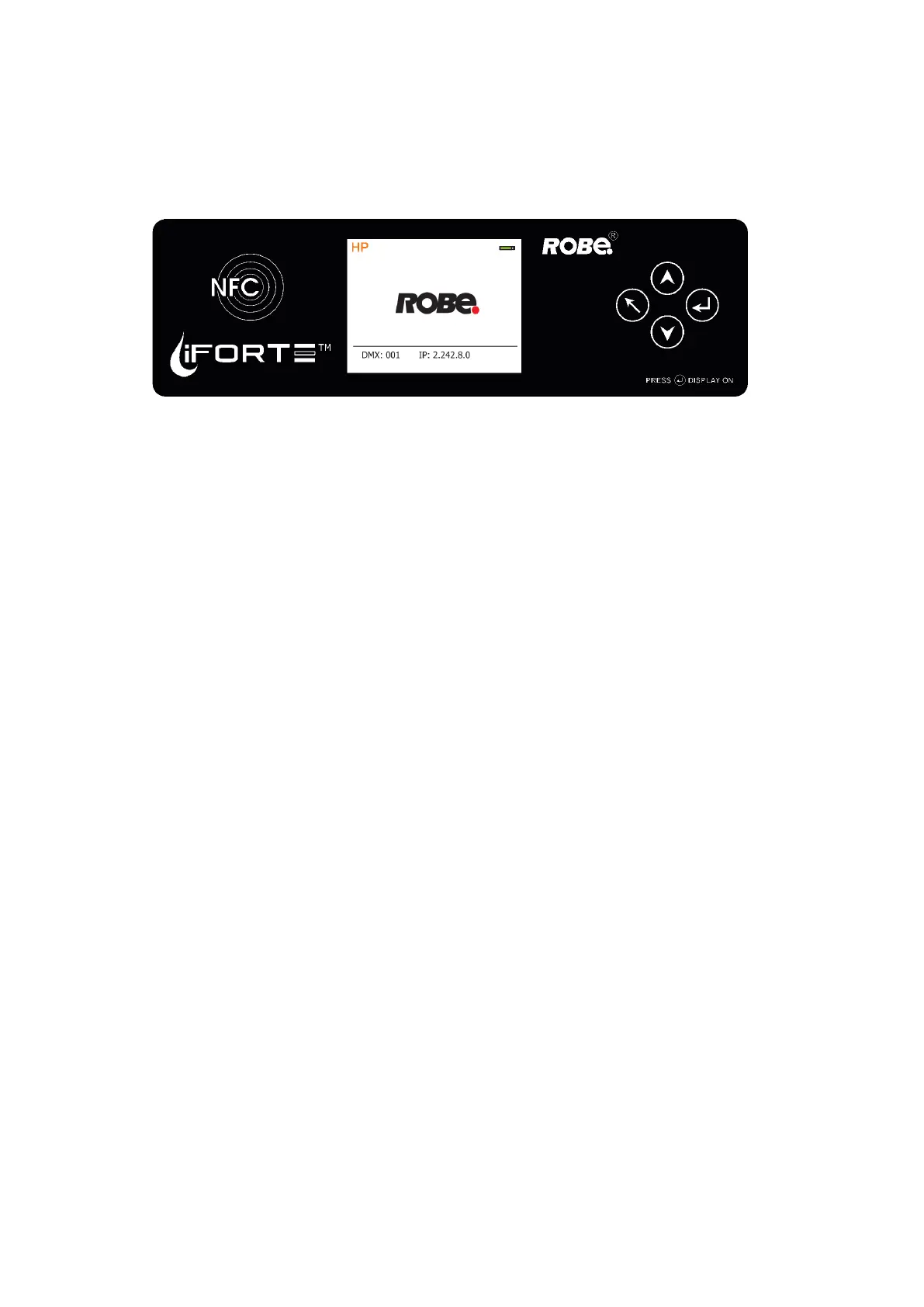
9. NFC
The xture supports NFC (Near-Field Communication). Using the mobile phone application ROBE COM you
can read and set the Robin iForte parameters (DMX address, IP address...etc.), get information about temper-
atures, operation hours, RDM identication etc.
The NFC point is situated on the front panel of xture´s base.
Download and install the ROBE COM from Google Play (for Android 5.0 and higher) or App Store (for iOS 12.0
and higher) to your mobile phone. Your mobile phone has to support NFC.
Hold the mobile phone on the side of the xture base, if NFC connection is OK, discovered xture will appear
on the screen, after touching the xture name the following the following menu items will appear:
DMX/RDM settings
Ethernet settings
Blackout settings
Colour settings
Display settings
Standalone settings
Pan/Tilt settings
Other settings
Software versions
Device hours
Device temperatures
Touch desired menu item to enter its submenu.



 To Next Page